
Call-waiter buttons on QR menus: do they work?
A call-waiter button only helps if every call reaches the right person fast. How it works, how to route alerts, handle bill requests and roll it out.
Menyo Team
June 19, 2026
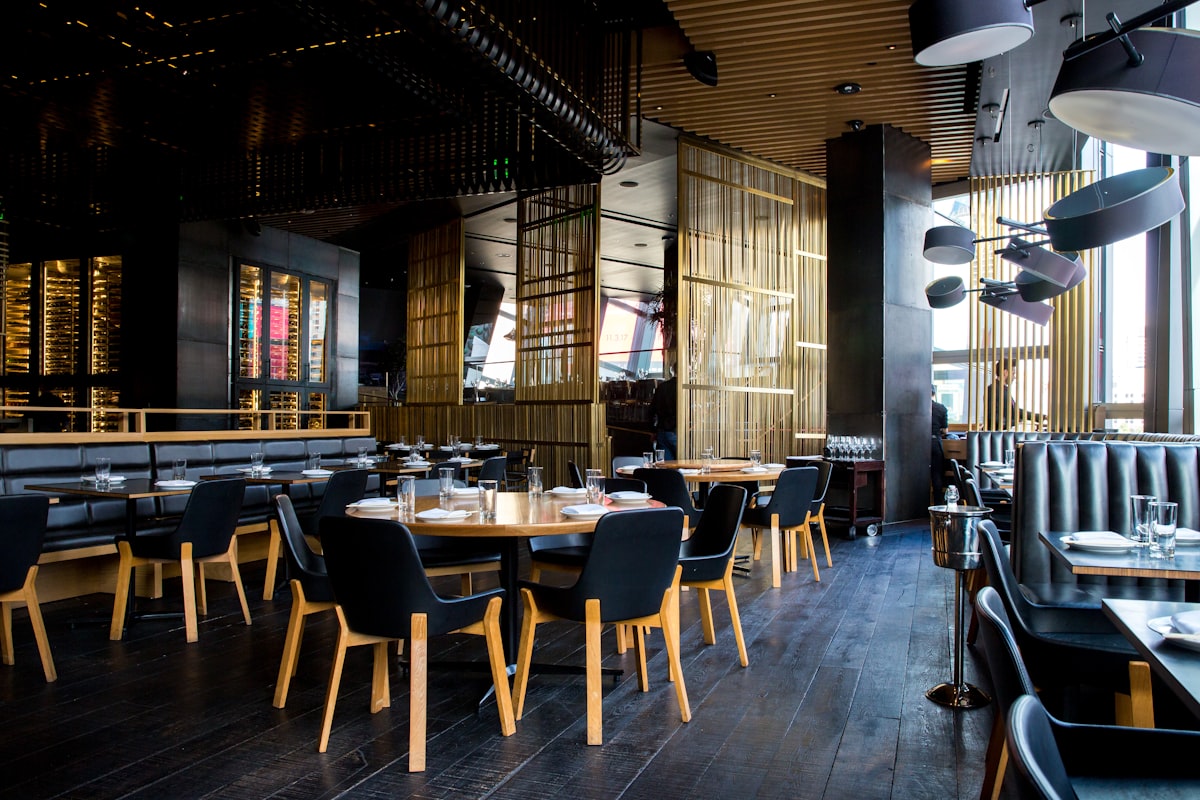
Ask guests what annoys them most in a full-service restaurant and waiting to be noticed comes up again and again: waiting to order another drink, waiting for the bill, waving at a waiter who is looking the other way. The food can be excellent and the evening still ends on a sour note because the last ten minutes were spent trying to catch someone's eye.
A call-waiter button on the table's QR menu tries to fix that. The guest taps, a staff member gets an alert with the table number, and someone walks over. It sounds simple, and it is, but whether it helps or backfires depends on how alerts reach your team and who is responsible for answering them. This article covers how the button works, how to set up alerts, where it beats the alternatives, and what it can and cannot do for service speed and tips.
1How a call button works, step by step
- The guest taps "Call waiter" on the menu they opened by scanning the table's QR code. Because each table has its own code, the system already knows which table it is.
- The guest sees a confirmation that the call was sent, so they stop waving.
- Staff get an alert on a phone, tablet or screen showing the table and, ideally, the area (terrace, main hall, upstairs).
- Someone goes to the table and marks the call answered, which clears it from the list.
Good systems also limit repeat taps. Without a limit, a bored child can send twenty calls in a minute and staff learn to ignore the alerts. A short cooldown per table stops that without blocking genuine requests.
What the button does not do: it does not tell you why the guest called. Most calls are one of four things (order more, ask a question, a problem with the food, or the bill), and the server finds out when they arrive at the table.
2Where the alert goes decides whether it works
A call that nobody sees is worse than no button at all. The guest has been told help is coming, so a long wait now feels like being ignored twice. Decide in advance which of these setups fits your floor:
| Alert setup | How it works | Suits | Weak point |
|---|---|---|---|
| Shared screen at the service station | One tablet by the pass or bar shows every call | Small rooms where staff pass the station often | Missed if everyone is on the floor |
| Phone notifications per waiter | Each waiter gets calls on their own phone | Larger rooms, several sections | Phones on silent, or in lockers |
| Both | Screen for the manager, phones for servers | Busy nights with a floor manager | More setup and more devices to charge |
Then set a clear rule for who answers. The simplest is by section: calls from tables 1 to 10 are Ahmed's, 11 to 20 are Mona's, and the floor manager picks up anything unanswered after two minutes. Without a rule, everyone assumes someone else has it.
Pro Tip
Pick a target response time and say it out loud at the pre-shift briefing, for example "every call answered within two minutes". Staff hit targets they know about. After a week, check the list of calls and how long they stayed open.
3Call button vs flagging down vs waiter stations
| Flagging down staff | Waiter station or bell | QR call button | |
|---|---|---|---|
| Guest effort | Wave, wait, wave again | Press a bell or walk to a station | One tap on a phone already in hand |
| Staff know which table | Only if they saw the wave | With a numbered bell system, yes | Yes, with table and area |
| Record of waiting time | None | Rarely | Calls are listed with their status |
| Hardware | None | Buttons on every table plus a receiver | The table QR codes you already have |
| Feel | Traditional, can be fine in a small room | Can feel like a fast-food counter | Discreet, but depends on guests using phones |
In a small café where the owner sees every table from the counter, flagging down works and a button adds little. The button earns its place in rooms where staff cannot see every table: split levels, outdoor terraces, gardens, hotel pool bars and long dining halls.
4Asking for the bill
For many restaurants the most valuable use of the button is the end of the meal. Guests who are ready to leave and cannot get the bill are the ones who leave unhappy, and the table they are sitting on is one you could be turning.
Some systems have a separate "request bill" button. If yours has only a call button, handle it with training: when a call comes from a table that has finished eating, the server brings the bill folder or card machine on the first trip instead of walking over to ask. That one habit saves a round trip per table.
If you want guests to use it for the bill, tell them. A short line on the table tent in Arabic and English does the job: "Need anything, including the bill? Tap Call waiter on the menu."
5Effect on speed, turns and tips
There is no honest universal number for how much a call button speeds up service; it depends on your room, your staffing and whether alerts get answered. What you can reason about:
- Fewer wasted check-ins. Servers can spend less time doing laps just to see if anyone needs anything, and more time on tables that asked.
- Faster close at the end of the meal. If bill requests get answered in a couple of minutes instead of ten, each table frees up sooner. The guide to table turn time shows how to put a value on the minutes saved.
- Tips follow attention. In Egypt many tips are left in cash and reflect how looked-after the table felt. A button that gets a quick response helps; a button that replaces all personal contact can hurt.
Using the button as a reason to stop checking on tables
→ Keep the normal service touchpoints: a check two minutes after food lands, clearing plates, offering dessert. The button is for what guests need between those moments, not a replacement for them.
For more on how table tech changes the server's job, read what happens to servers when you install a QR menu.
6Rolling it out
- Give every table its own QR code, printed with the table number visible
- Decide the alert setup (station screen, phones or both) and test it with the room full of noise
- Assign sections and a backup rule for unanswered calls
- Brief staff: answer, then mark answered, so the list stays true
- Add a line about the button to your table tents
- Review the call list after the first week: which tables called most, and how long calls stayed open
In Menyo, waiter calls are included from the Growth plan ($49/month). Guests get a one-tap "Call waiter" button with an on-screen confirmation, limited to one call per table every five minutes. Staff see calls in a console with the table and area, newest first, and mark them answered; new calls also trigger a web push notification and an optional sound. There is one call button rather than a separate bill button, so the bill habit above applies. On Growth there are no separate team logins, so alerts go to devices signed in to the owner account, which usually means a tablet at the service station. Professional ($99/month) adds up to ten team members, so each waiter can get calls on their own phone.
7Frequently asked questions
Will guests actually use a call button?
Guests who already opened the menu on their phone tend to find it, especially if a table tent mentions it. Guests who ordered from a waiter and never scanned will keep waving, so staff still need to watch the room.
What stops guests from spamming the button?
A cooldown per table. Once a call is sent, the same table cannot send another for a few minutes, which keeps the list clean without blocking genuine requests.
Does a call button suit fine dining?
Usually not as a feature you promote. In fine dining the service team should anticipate needs before guests ask. It can still be useful in a garden or terrace area that staff cannot see all the time.
Do I need table ordering to use a call button?
No. The button works on a display-only menu too. Some restaurants start with the menu and the call button, keep taking orders through waiters, and add table ordering later. See QR ordering vs table service for that decision.
8The button is only as good as the answer
A call-waiter button works when every call reaches the right person, someone owns each section, and the response comes in a couple of minutes. Get those three right and it cuts the waving, the waiting for the bill and the laps around the room.
Want a call-waiter button on your table QR menus? Set up Menyo and see what the Growth plan includes on the pricing page.
Ready to digitize your menu?
Create a beautiful QR menu from a photo in minutes—the AI scan takes about 60 seconds. AI extracts items and prices automatically.
Try Menyo Free