
Kitchen display system vs paper tickets
How a kitchen display compares with paper tickets, a one-week tally to measure what paper costs you, and a safe rollout plan for small kitchens.
Menyo Team
May 11, 2026
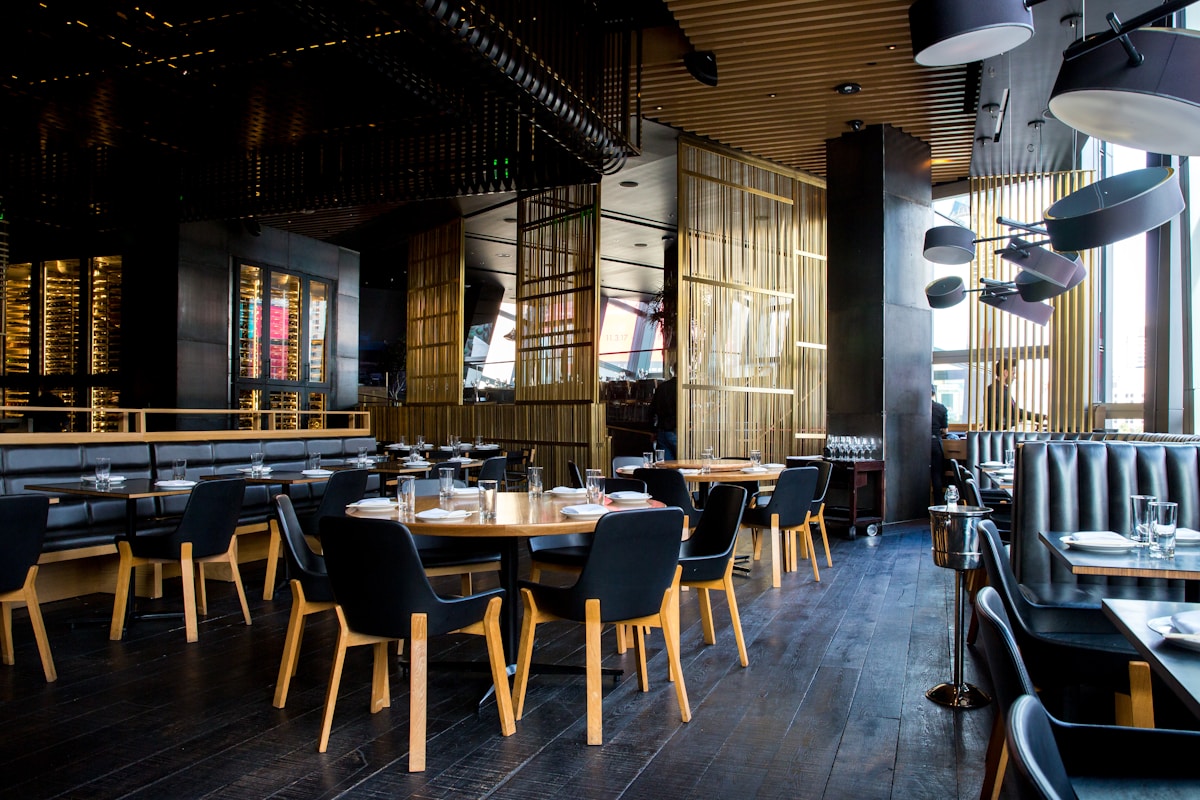
At 9:40 on a Friday night, the rail above the grill holds eleven paper tickets. Two are for the same table because a waiter wrote a second round on a new slip. One has "no onion" squeezed in the margin in handwriting only its author can read. Nobody knows which ticket has been waiting longest, and the only way to find out is to shout.
A kitchen display system (KDS) replaces that rail with a screen. Orders arrive already typed, sorted by the time they came in, and cooks tap them forward as they work. Whether that is worth it for your kitchen depends on your volume, how orders reach you, and how many stations you run. This guide compares the two honestly, shows you how to measure your current error rate before you spend anything, and covers what a small kitchen actually needs.
1Paper vs screen, side by side
| Paper tickets | Kitchen display | |
|---|---|---|
| Legibility | Depends on the waiter's handwriting or a printer | Always typed, modifiers on their own lines |
| Order of tickets | Whatever order they were clipped in | Sorted by time received, oldest first |
| Wait time | Unknown unless someone checks the clock | Visible on each ticket |
| Changes after sending | New slip or crossed-out writing | Updates the existing ticket or adds a new one for the same table |
| Front of house knows it's ready | Someone calls "service" | Status changes to ready on staff screens |
| Lost tickets | Fall behind the grill, get thrown out | Stay on screen until bumped; completed orders can be recalled |
| Running cost | Paper rolls, printer maintenance | Screen, mount, stable Wi-Fi, software subscription |
| When the power or internet fails | Keeps working (handwritten) | Needs a fallback plan |
The last row matters. A KDS depends on power and a connection. A kitchen that switches to screens still needs a pad of paper tickets in a drawer and a rule for when to use it.
2Measure your current mistakes before you buy anything
You cannot judge whether a screen will pay for itself without knowing what paper is costing you now. Run a one-week tally. Tape a sheet next to the pass with four columns and ask the head chef to add a mark each time:
- Remake: a dish cooked again because the ticket was wrong, unreadable or missed a modification
- Comp: a dish or drink given free to make up for a mistake or a long wait
- Lost ticket: an order that was never cooked until the guest asked
- Chase: a waiter coming to the pass to ask about a table's food
Then put a price on it. Illustration: if the week shows 14 remakes at an average food cost of EGP 90 and 6 comps at an average menu price of EGP 160, paper cost you EGP 1,260 plus EGP 960, so EGP 2,220 that week in food alone. That is before the lost table turns and the guests who do not come back. Multiply by four for a monthly figure and compare it with the monthly cost of a screen and software.
The "chase" column is the one that usually surprises owners. Every trip a waiter makes to the pass is time not spent on the floor, and in a busy kitchen it is also an interruption for the cook.
3How orders reach the screen, and how stations work
A KDS is only as useful as the orders flowing into it. There are three common sources:
- Staff POS. The waiter or cashier rings up the order, and it goes straight to the kitchen screen.
- Table QR ordering. The guest orders from their phone. Each table has its own QR code, so the ticket arrives already labelled with the table number and nobody has to transcribe it.
- Delivery and takeaway. Orders from your own online ordering, marked by type so the packer knows.
Larger kitchens often want station routing: grill items to the grill screen, salads to the cold station, drinks to the bar. Some systems split tickets by station automatically; others show every order on one shared board. For a kitchen with one or two cooks, one board is simpler and usually better, because everyone can see the whole table's order and time it to go out together. If you run separate hot, cold and bar stations with their own staff, ask any vendor to demonstrate station splitting with your real menu before you buy.
A cheaper middle ground for bars: keep drinks on a separate menu or area so the bartender works from their own list, and keep one kitchen board for food.
4What a small kitchen actually needs
You do not need a commercial kitchen screen system to start. The minimum setup:
- A screen at the pass. A 10-inch or larger tablet works for a small line; a wall-mounted TV with a small computer or streaming stick works for a bigger one. It must be readable from where the cooks stand.
- A mount away from heat and splash. Not above the fryer. A wall bracket or an arm beside the pass, with a clear plastic cover if grease is a problem.
- Reliable Wi-Fi in the kitchen. Kitchens are often the weakest signal spot because of metal equipment and walls. Test it with the extractor fans running.
- A power point that is not shared with the kettle. Tripped circuits take the screen down in the middle of service.
- A clear bump rule. Decide who moves a ticket to "preparing" and to "ready". Usually the cook who starts it, and the expediter or head chef who checks the plate.
Pro Tip
Set the screen to show modifiers in a larger or contrasting line. "No nuts" on a ticket is the one line that can send a guest to hospital, so it should be the hardest one to miss.
5Rolling it out without wrecking a service
Never switch on a KDS for the first time on a Thursday night. A safe rollout:
- Load and check the menu. Every item and modifier spelled the way the kitchen says it. Short names are better on a screen: "Mix grill (L)" is quicker to read than a full menu description.
- Run it in parallel for two or three quiet lunch services. Keep printing tickets too. The cooks read from the screen and use paper only to check.
- Train front of house on the "ready" signal. The time saving only happens if runners watch the status and collect food without being called.
- Drop the paper. Keep the fallback pad and the rule for outages.
- Repeat your tally after a month. Compare remakes, comps and chases with the paper week.
Letting waiters keep side-channel orders
→ If staff still shout extra items to the kitchen or pass handwritten notes, the screen is never the full picture. Every item, including "one more bread for table 4", goes through the system.
6When paper is still the right answer
A KDS is not worth it for every kitchen. Paper still makes sense if:
- you have one cook and a counter where the cashier can talk to them directly;
- your menu is short and orders are simple, such as a juice bar or a koshary counter with a few sizes;
- your volume is low enough that the rail rarely holds more than three or four tickets;
- your kitchen has no reliable connection and fixing it is not worth it yet.
In those cases a thermal printer that prints clear tickets from your QR orders or till gives you most of the legibility gain at a lower cost.
If you do decide on a screen, Menyo's kitchen display is included on the Professional plan ($99/month) and above, together with the staff POS. Orders from the till and from table QR codes arrive on one board in pending, preparing and ready columns with full modifier detail, status changes push to the POS and to the guest's order confirmation page, and staff devices can get a push notification when a new order arrives. There is a dedicated Kitchen staff role, so cooks see the board without access to settings. For how the POS side connects, see QR menu and POS integration.
7Frequently asked questions
Does a KDS make the kitchen cook faster?
Not directly. Cooks cook at the same speed. The time comes from fewer remakes, no lost tickets, tickets in the right order and food collected as soon as it is ready. On a busy night those add up to shorter waits per table.
What happens if the internet goes down during service?
Have a written fallback: switch to handwritten tickets at the pass, and put the orders into the system once the connection returns so your sales records stay complete. Test the fallback once so staff know it.
Do table-specific QR codes need to be reprinted if I move tables?
Only if a table's number changes. Codes are tied to a table in the system, so moving the physical table is fine. If you renumber, update the table in the system and reprint that code.
Can the bar use the same screen as the kitchen?
It can, but a bar at the other end of the room will not look at a screen in the kitchen. Either give the bar its own screen or keep drinks on a separate menu that the bartender works from.
8Start with the tally sheet
Before you compare screens, spend a week counting remakes, comps, lost tickets and chases. If the number is small, a clearer printer might be all you need. If it is large, a kitchen display pays for itself in food you stop throwing away. Pair it with good table turn habits and the gain shows up on the floor as well as in the kitchen.
Want table orders and staff orders on one kitchen screen? Try Menyo and check the Professional plan on the pricing page.
Ready to digitize your menu?
Create a beautiful QR menu from a photo in minutes—the AI scan takes about 60 seconds. AI extracts items and prices automatically.
Try Menyo Free