
Menubly vs Menyo Pro: which QR menu fits your restaurant?
Menubly is cheaper for a simple menu with WhatsApp orders. Menyo covers table ordering, kitchen and POS. Here is how to tell which one your restaurant actually needs.
Menyo Team
June 3, 2026
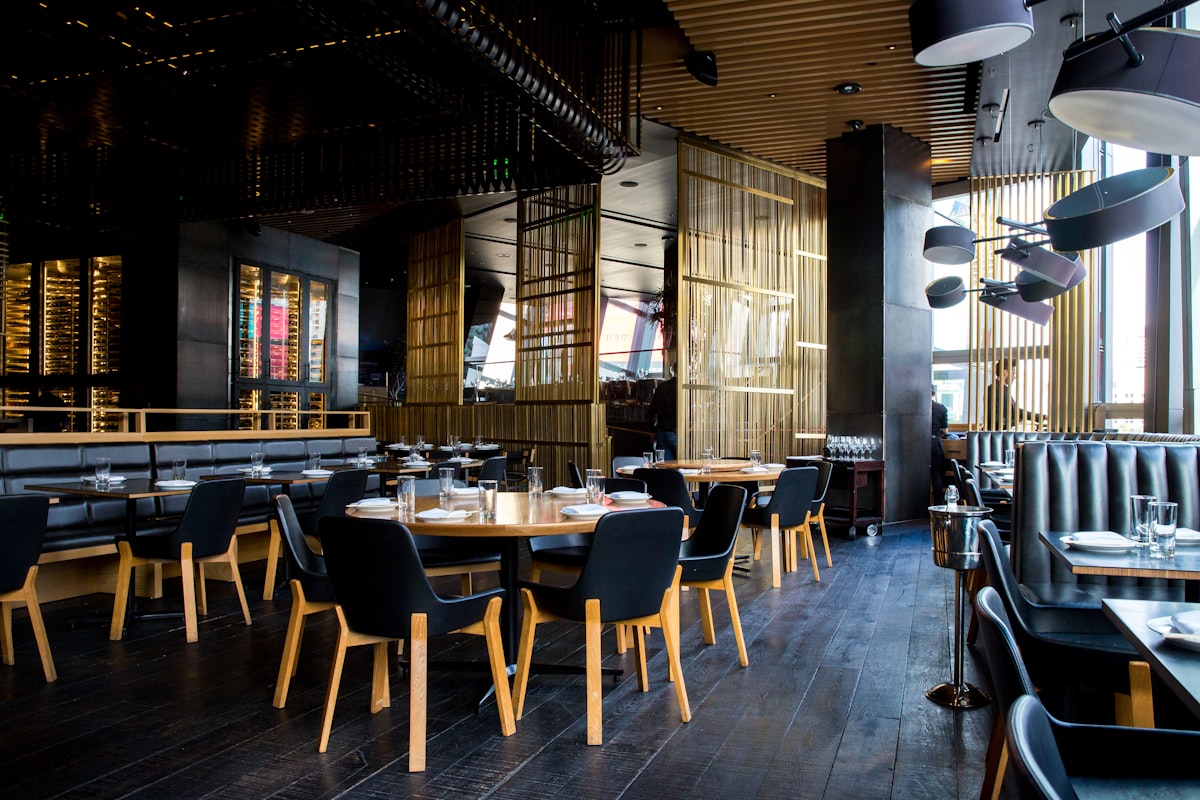
Menubly and Menyo both put your menu behind a QR code and a link you can share on Instagram. After that they split. Menubly is a lean, low-cost menu and mini-website builder where orders arrive on WhatsApp. Menyo is a heavier system that runs table ordering, waiter calls, a kitchen display and a POS for venues with a dining room.
So the useful question is not "which is better" but "which one matches how food leaves your kitchen". This article gives you a verdict by venue type, a side-by-side on the points owners in Egypt and the Gulf ask about most, and a short test you can run on both before paying. We are the Menyo team; we have kept every Menubly statement to what Menubly publishes on its own site, and we say plainly where Menubly wins.
1The verdict by venue type
| Your venue | Likely better fit | Why |
|---|---|---|
| Home kitchen or small takeaway selling mainly through Instagram and WhatsApp | Menubly | Low cost, link-in-bio page, orders arrive on WhatsApp |
| Café that only needs a readable menu on the table | Either; compare price and design | Both do a basic QR menu well |
| Restaurant where guests order from the table and staff run food | Menyo (Growth plan and up) | Per-table QR codes, orders tied to table numbers, waiter-call button |
| Busy kitchen that needs tickets on a screen and a till | Menyo Professional | Kitchen display and POS in the same system as the menu |
| Brand that wants its menu on its own domain name | Menubly | Custom domain is part of Menubly Pro; Menyo offers a branded menyo.pro subdomain, not your own domain |
2What each product actually is
Menubly
Menubly's pricing page, at the time of writing, lists a free plan (a mini website, unlimited links, an online menu, a QR code menu and pickup or delivery ordering), a Pro plan at USD 9.99 per month or USD 95.99 per year that adds full customisation and a custom domain, and a custom tier on request. It offers a 30-day free trial with no card required, and says it charges no commission on orders. Its menu page says orders are sent and tracked via WhatsApp.
Menyo
Menyo has no public free plan. Paid plans start at USD 19 per month (Starter: QR menu, basic analytics, a simple restaurant page). Table ordering, waiter calls and guest feedback start on Growth at USD 49. Delivery and takeaway ordering, the POS, the kitchen display, reservations, loyalty and multi-language menus are on Professional at USD 99. Full details are on the pricing page.
On price alone for a simple menu with ordering, Menubly is clearly cheaper. The rest of this comparison is about whether you need what the extra money buys.
3Orders: WhatsApp inbox versus kitchen screen
This is the real dividing line.
When orders arrive as WhatsApp messages, somebody has to read each one, confirm it, copy it to the kitchen and remember to reply when it is ready. At five orders an evening, that is fine and even pleasant: the owner talks to every customer. At forty orders on a Friday night, a single phone becomes the bottleneck, messages get missed, and nobody knows which order is which when two customers are both called Mohamed.
In Menyo, a guest order is a structured ticket: items, modifiers, table number or delivery address. On Professional it appears on the kitchen display and moves through pending, preparing and ready, and the guest's confirmation page updates live. Delivery orders are checked against your delivery zone and minimum order automatically, and guests can receive status updates on WhatsApp without staff typing them.
A simple test: count your peak-hour orders. If one person can comfortably read and relay them, a WhatsApp flow is enough. If you already have a second phone "just for orders", you have outgrown it. Our article on WhatsApp menus versus QR menus for repeat orders goes deeper on this trade-off.
4Dine-in: the table number problem
A menu link on the table lets guests read. It does not tell you who ordered what from where. For dine-in ordering you need each table to have its own QR code, so that an order arrives already tagged "Table 7".
Menyo creates per-table QR codes with table-level scan analytics, lets you assign a different menu to the terrace or bar tables, and adds a call-waiter button (rate-limited to one call per table every five minutes, so bored children cannot spam your staff). These start on the Growth plan, which includes up to 15 QR codes; Professional raises that to 50.
Menubly's site describes placing QR table tents or posters so guests can view the menu. If you plan to take orders at the table, ask Menubly how an order identifies the table and how staff are alerted, and test it with two phones ordering at once.
5Arabic and multi-language menus
For restaurants in Egypt, the Gulf or Jordan, language support is not a nice extra. Menubly's public pages we checked do not say much about Arabic or right-to-left layouts, so treat it as a question to test rather than a known gap.
Menyo can translate a menu into Arabic, Italian, Spanish and Russian with AI, and guests switch language inside the menu, with their choice remembered. This is a Professional feature (up to 3 languages). On Starter and Growth you get one menu language, although you can still write bilingual item names by hand.
Pro Tip
Whatever you choose, test Arabic on a real phone: a long dish name, a price with a size option, and an English brand name inside Arabic text. Those three break most layouts.
6Five-point test before you pay for either
- Import your real menu. Menyo's AI scanner reads a photo or PDF of your existing menu and extracts items and prices. Try whatever import route Menubly offers and time both.
- Place three orders at once from three phones, including one with modifiers. Watch where they land and how staff would know.
- Change a price and mark an item sold out, then check how quickly the guest menu updates.
- Open the menu on a cheap Android phone on mobile data, not on office Wi-Fi.
- Check the QR code target. Ask what happens to your printed codes if you stop paying. See static versus dynamic QR codes before you print anything.
Mistake: choosing on the monthly price, then paying for a second tool.
→ Fix: list every tool you would still need alongside each option (booking system, till, loyalty app) and compare the total, not the headline plan.
7Frequently asked questions
Is Menubly free?
Menubly's pricing page lists a free plan plus a Pro plan at USD 9.99 per month. Check the current page, as plans and limits change.
Does Menyo have a free plan?
No public free plan. Paid plans start at USD 19 per month with a short trial, and table ordering starts on the USD 49 Growth plan.
Can I use my own domain with Menyo?
Not yet. Growth and above let you choose a clean menyo.pro/your-name address, and Professional adds a your-name.menyo.pro subdomain. Fully custom domains are not available today. If your own domain is essential, that favours Menubly.
Which one is better for a restaurant in Egypt?
For a small takeaway living on Instagram and WhatsApp, Menubly's low price is hard to argue with. For a restaurant with tables, a kitchen under pressure and guests reading in Arabic and English, Menyo's Growth or Professional plan covers more of the job.
8Bottom line
Pick Menubly if you want a cheap, good-looking menu and link page and your order volume fits comfortably in one WhatsApp inbox. Pick Menyo if orders need to reach a kitchen with table numbers, if you want a till and kitchen display in the same system, or if you need the menu in Arabic and English with a switcher. For a broader shortlist, see the best QR menu platforms in Egypt compared.
Want to run the five-point test on Menyo with your own menu? Start your trial.
Ready to digitize your menu?
Create a beautiful QR menu from a photo in minutes—the AI scan takes about 60 seconds. AI extracts items and prices automatically.
Try Menyo Free