
QR menus for food trucks: set up in 20 minutes, sell anywhere
A practical guide for food truck owners: a timed 20-minute setup, a short menu that sells, one code for every location, festivals, social media and fleets.
Menyo Team
June 12, 2026
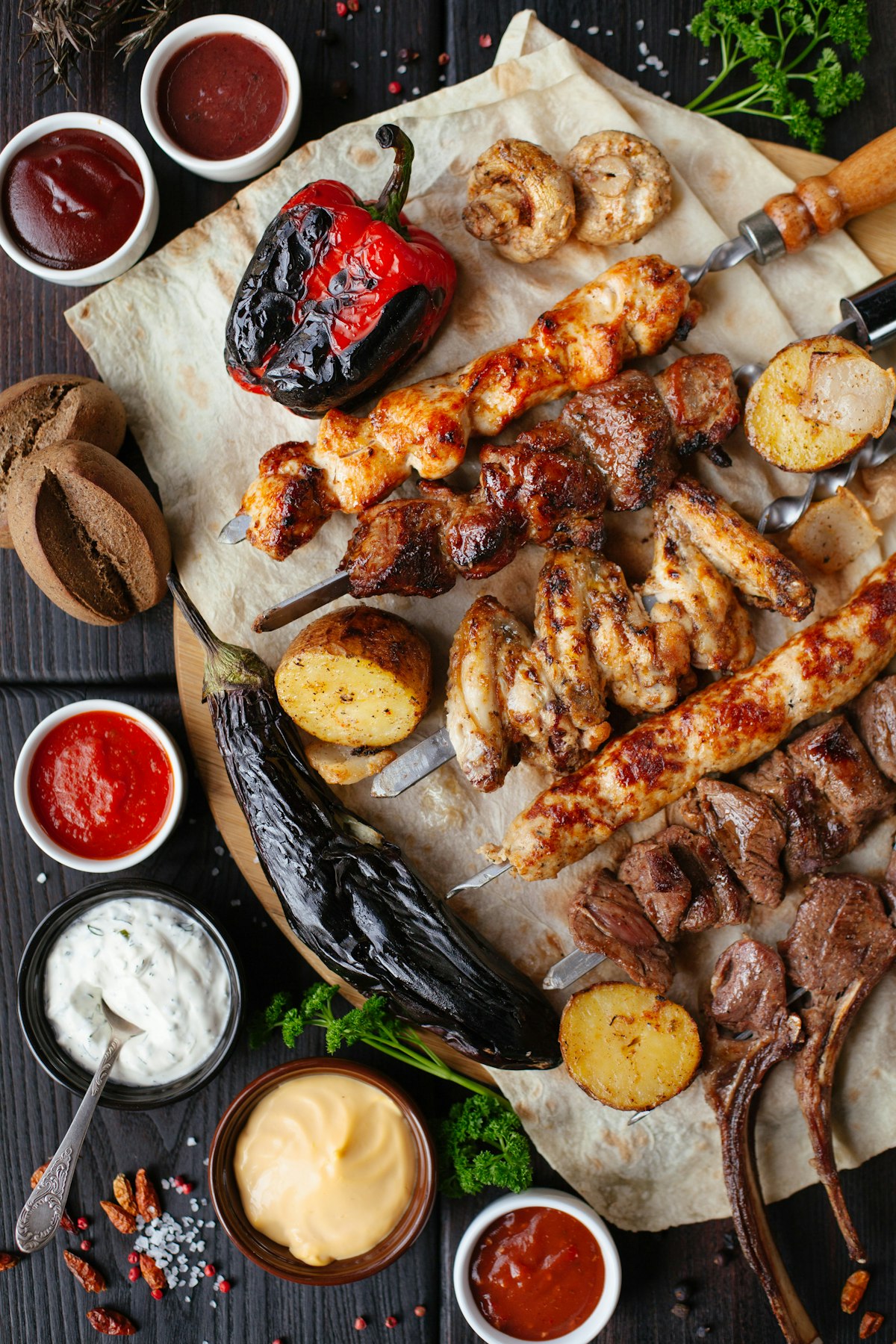
A food truck does not have a front door, a fixed address or a wall to hang a menu on. It has a window, a queue and about thirty seconds to convince someone walking past. The menu board painted on the side is expensive to change, and the paper sheet taped next to the window blows away by the second evening at a festival.
A QR menu fits a truck better than almost any other kind of food business, because the one thing it solves is the thing trucks struggle with most: being in a different place every week while keeping one menu, one brand and one way for regulars to find you. This guide gives you a timed 20-minute setup, a rule for keeping the menu short, tips for events and festivals, the social media tie-in, and how to scale from one truck to several.
1The 20-minute setup, minute by minute
You can get a working menu live between lunch and dinner service. Here is the order that works:
- Minutes 0 to 5: import. Take a clear photo of your current menu board or sheet. An AI menu scanner turns it into items and prices. Menyo includes this from the Starter plan, with ten scans a month.
- Minutes 5 to 10: clean up. Fix item names the scanner misread, check every price, and delete anything you no longer sell.
- Minutes 10 to 15: identity. Add your logo, a cover photo of the truck itself, your usual hours and your Instagram and TikTok links.
- Minutes 15 to 20: test and print. Open the menu on your own phone using mobile data, not Wi-Fi, because that is how customers will open it. Then download the QR code and send it to print.
Photos of individual dishes can come later. A menu with correct prices and no photos beats a beautiful menu that goes live next month. If you have no photos at all, Menyo can fill in matching stock food images so the menu does not look empty on day one. For a more general walkthrough, see setting up a QR menu in five minutes.
2A short menu that sells
The best trucks are known for one thing. The menu exists to sell that one thing, plus the few items that go with it. A practical rule: five to seven items, and every item should share most of its ingredients with at least one other item, so your small fridge and one-person prep line can keep up.
| Question for each item | If the answer is no |
|---|---|
| Can we make it in under three minutes at the window? | Cut it or simplify it |
| Does it share ingredients with another item? | Cut it unless it is the signature |
| Did it sell well at the last three locations? | Replace it with a rotating special |
| Can someone eat it standing up? | Rethink the packaging or the dish |
Put the signature dish first, with the best photo you have. Use the item description to say what makes it yours in one sentence. Add a drink and one side as optional add-ons on the signature item itself, so the upsell happens in the same tap.
Pro Tip
Keep one slot on the menu for a rotating special. It gives regulars a reason to check the menu before they come, and it is how you test new dishes without committing to them.
3One QR code that follows the truck
The code on your truck should never change. It points to a short link, and the menu behind the link is what you edit. This is the difference between a dynamic QR code and a static one, and for a truck it is not optional. Our explainer on static versus dynamic QR codes covers the difference.
Size the code for the distance people will scan it from. A common rule of thumb is that a code can be scanned from roughly ten times its width, so a code 30 cm wide on the side of the truck works from about three metres away. Put a second, smaller code at the ordering window for people already in the queue.
- Large code on the truck side, at eye level, not behind the serving hatch door.
- Smaller code at the window and on the queue barrier.
- Outdoor vinyl, matte finish, dark on light.
- A line under the code saying what it does: "Menu and prices".
4Events, festivals and new locations
Events change three things: your menu, your prices and your pace. Plan for each.
Menu: Cut to your fastest three or four items for a big festival. On the Starter plan you have one menu, so edit it for the day and change it back after. On Growth you get three menus, so you can keep a ready-made "Event menu" and switch to it.
Prices: If the organiser takes a cut, your event prices may need to be higher. Change them on the menu before you open, so the queue never sees a price that differs from the till.
Pace: When something sells out, mark it sold out from your phone immediately. Nothing slows a festival queue more than people who reach the window and then have to choose again.
Payments matter at events too. Many customers now expect to pay by wallet or InstaPay rather than cash. Our guide to accepting InstaPay and Fawry explains the practical options.
Mistake: printing a new QR code for each festival.
→ Fix: use the same code everywhere. Every new code is a new link your regulars do not have, and all the scans from past events stop counting towards the same place.
5Turning followers into customers
For most trucks, Instagram and TikTok are the storefront. The menu link belongs in your bio, and every post about a location should end with "Menu and prices in bio". That way someone who sees a reel on Thursday already knows what to order when they find you on Saturday.
Menyo's plans include a website for your business (a basic one on Starter) with your hours, location and social links. The website builder also has an upcoming-events section with dates, which is a useful place to publish your schedule for the week. Update it every Sunday night. For the wider argument about menus and Instagram links, read QR menus versus the Instagram link in bio.
6From one truck to a fleet
A second truck raises one question: do both trucks sell the same menu?
- Same menu, different locations: keep one venue and give each truck its own QR code. Scans are tracked per code, so you can see which truck, or which spot, gets the most interest. Starter includes three QR codes and Growth fifteen.
- Different menus or separate teams: make each truck its own venue. Professional ($99/month) covers up to three venues and adds team members with roles, so a truck manager can update their own menu without having your login.
Whichever you choose, keep the signature dish and its price identical across trucks. Customers treat a fleet as one brand.
7Frequently asked questions
What does a QR menu for a food truck cost?
Menyo's Starter plan is $19/month and is designed for food trucks and small cafés. It includes one menu, three QR codes, basic analytics and a simple website. See the pricing page for details.
Can customers order from the queue on their phone?
Ordering from the phone needs an ordering plan. On Menyo, dine-in ordering starts on Growth, and takeaway and delivery orders are on Professional. Many trucks start with a menu-only setup and add ordering later.
What if there is no signal at the event?
Test the location beforehand if you can. At very crowded events, mobile data slows down, so keep a printed price list at the window as a backup.
8Ready for the next location
Do the 20-minute setup before your next service, print one large code for the truck and one small code for the window, and put the link in your bio. The same code will follow you to every location after that. See more ideas for mobile businesses on our food trucks page.
Create your food truck menu on Menyo and have it live before tonight's service.
Ready to digitize your menu?
Create a beautiful QR menu from a photo in minutes—the AI scan takes about 60 seconds. AI extracts items and prices automatically.
Try Menyo Free