
New restaurant opening: your menu and tech checklist
A week-by-week checklist for new restaurants and cafés: decide how guests order and pay, cost and price the menu, build it in Arabic and English, set up table codes and rehearse it all.
Menyo Team
June 15, 2026
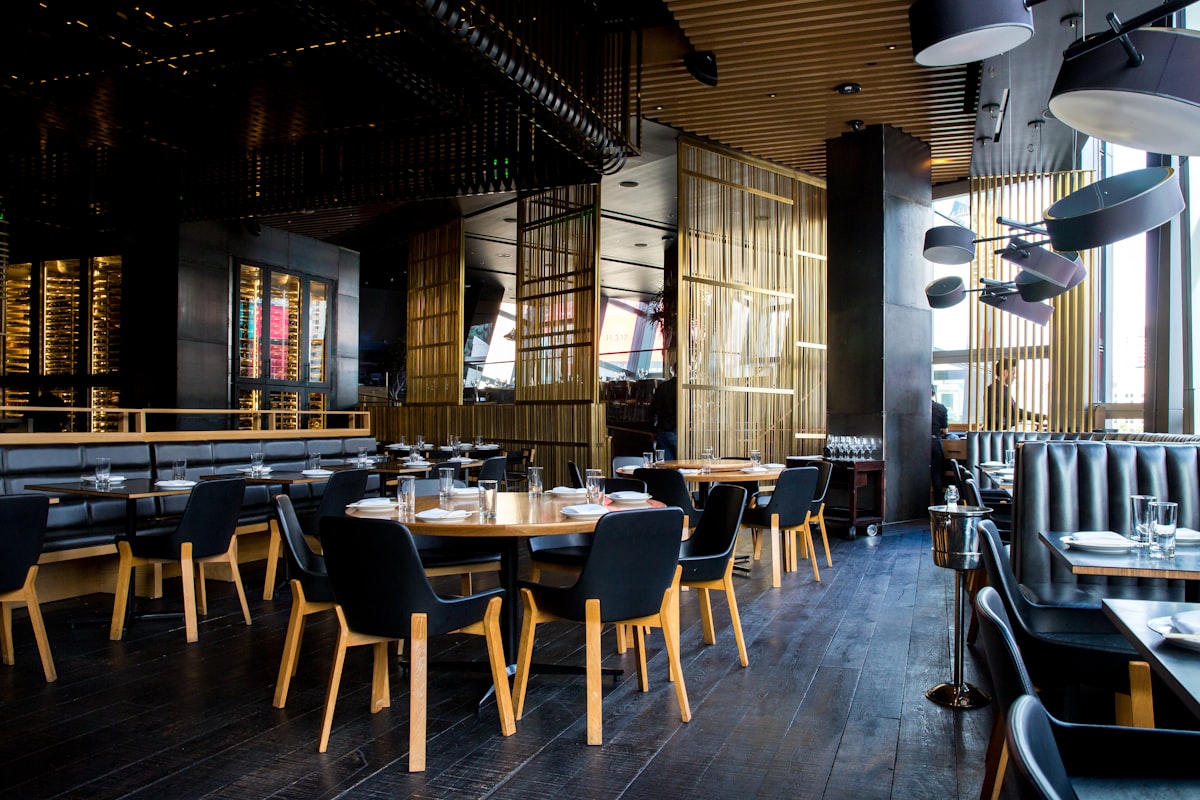
In the last month before opening, everything is urgent: the kitchen hood is late, the licence file is at the district office, and the furniture supplier stopped answering. Menu, ordering and payment setup tends to get pushed to the final week, which is how new places end up opening with a menu that has no prices on the drinks page and a card machine that has not been activated.
This checklist puts the menu and tech work in the order it actually depends on itself: you cannot print table codes before the menu is final, you cannot finalise prices before you cost the recipes, and you cannot cost recipes before you know your suppliers. Work backwards from your opening date and tick each block off.
It assumes a café or restaurant of up to about 30 tables in Egypt, but the order holds anywhere.
1Eight to six weeks out: decide the model before the menu
Three decisions shape every other step, so make them first and write them down.
1. How will guests order?
| Model | Suits | What it needs |
|---|---|---|
| Table service, waiter takes the order | Sit-down restaurants, older or business crowds | Menus (paper or QR to view), waiter order pads or a POS |
| Guests order from their phone at the table | Busy cafés, casual dining, understaffed floors | A QR menu with ordering, a way for orders to reach the kitchen, and a plan for payment |
| Order and pay at the counter | Coffee shops, fast casual, food courts | A menu board, a till or POS, and a pickup system |
Many places mix them: counter ordering in the morning, table service at dinner. Decide now, because it changes how many staff you hire and what your menu must do.
2. Which channels on day one?
Dine-in only? Takeaway? Delivery through your own riders, WhatsApp, delivery apps, or all three? Each channel is another copy of the menu to maintain. Opening with dine-in and takeaway only, then adding delivery after a month, is a sensible way to protect the kitchen while it finds its rhythm.
3. How will guests pay?
Cash only is increasingly a problem, especially with younger guests and tourists. Apply for card acceptance through your bank or a payment company early; account opening, contract and terminal delivery can take weeks. Decide whether you will also accept InstaPay transfers and mobile wallets, and who checks those payments land before the guest leaves.
Watch Out
Licences, the commercial register and tax registration have their own lead times and come before all of this. If you have not started them, read the regulatory guide for Egyptian restaurants first. A perfect menu does not help if the tax card is not ready for your first invoice.
2Six to four weeks out: cost the menu and set prices
Your first menu should be smaller than you want it to be. Every item is another set of ingredients to stock, another prep task, and another thing to go wrong in week one.
- Write the draft menu with a target count per section. A new café might open with 8 hot drinks, 6 cold drinks, 6 food items and 3 desserts, and add more once it knows what sells.
- Get supplier quotes for every ingredient, in writing, with delivery days.
- Cost each recipe: ingredient cost per portion, including garnish, packaging for takeaway and a small allowance for waste.
- Price from cost. Divide plate cost by your target food-cost ratio to get a starting price, then adjust for what the area will pay. For example, a dish that costs EGP 90 to make, with a target food cost of one third, starts at around EGP 270. The method and typical targets are in our menu cost percentage guide.
- Decide how tax and service appear. Egypt's standard VAT rate is 14%. Decide whether menu prices include VAT and any service charge, say so clearly on the menu, and confirm with your accountant how it must show on receipts.
Printing 200 menus with opening prices.
→ Prices on a new menu almost always change in the first two months as real costs and demand show up. Keep the master menu digital, print a small batch at most, and expect to adjust.
3Four to two weeks out: build the menu and the listings
Now the menu is stable enough to build properly.
- Menu entered digitally with categories, descriptions and prices, including options: sizes, milk choices, extra shot, sauce on the side.
- Arabic and English names for every item, checked by someone who writes both well. Tourist areas such as Sharm, Hurghada or the Sahel may need a third language.
- Dietary tags where they apply: vegetarian, vegan, spicy.
- Photos of every dish you want to sell hard, shot on the real plates from a test cook, in daylight.
- Opening hours finalised, including soft-opening hours.
- Google Business Profile created with your category, address, phone, hours and photos. Google lets a new business add a future opening date, and verification can take time, so start now; see how to get found on Google Maps.
- Instagram account set up with the menu link in the bio and a first grid of real photos of the space and dishes.
If a designer made your paper menu, you do not need to retype it: on Menyo you can import a photo or PDF of the menu with the AI scanner, then check and correct the items. Every paid plan includes a monthly quota of scans.
4Two weeks out: tables, codes and devices
With the floor laid out and the menu built, set up the physical side.
- Number your tables and draw a simple floor map. Waiters, kitchen tickets and QR codes should all use the same numbers.
- Generate the QR codes. One code for the whole venue is enough if guests only view the menu. If guests will order from the table, use a unique code per table so orders arrive with the table number attached.
- Print and mount the codes at a readable size on durable material, with the short menu address printed underneath. Our QR size and placement guide covers sizes and materials.
- Set up the devices: a tablet or screen where orders appear, the card terminal, a receipt printer if you use one, and a charged backup phone for the manager.
- Put guest Wi-Fi on a separate network from the one your POS and card machine use, and print the guest password near the codes.
On Menyo, the Growth plan ($49 a month) adds table ordering and waiter calls, with up to 15 QR codes, which covers per-table codes for a small room; the Professional plan ($99 a month) adds the POS, kitchen display, takeaway and delivery ordering, and up to 50 codes.
5The last week: soft opening as a full rehearsal
A friends-and-family soft opening is your only chance to find problems with guests who will forgive you. Run it like a real service.
| Test | How | Passes if |
|---|---|---|
| Every table code | Scan each from the guest's seat, at night lighting | Menu opens within a few seconds on an older phone |
| Ordering flow | Each guest orders something with an option (size, add-on) | Kitchen receives exactly what was chosen, with the right table |
| Payments | Pay by cash, card and InstaPay at least once each | Money arrives, receipt shows correct tax, manager can reconcile |
| Sold-out handling | Mark one dish as unavailable mid-service | Guests can no longer order it, staff all know |
| Price change | Change one price during the evening | The new price shows on the next scan |
| Busy moment | Seat several tables at once | Orders are not lost, bar and kitchen keep up |
Ask soft-opening guests for blunt feedback: what they could not find on the menu, what confused them, what they expected to see. Fix the menu that night.
6Opening day checklist
- Menu prices match the till or POS, item by item.
- A handful of paper menus on hand for guests who will not scan and for outages.
- One person named as owner of menu changes during service.
- Card terminal tested with a real transaction that morning.
- Google Business Profile shows today's hours and says you are open.
- Review card or link ready for the bill folder from day one.
- A notebook at the pass for "things guests asked for that we don't have".
7Frequently asked questions
When should I set up my digital menu before opening?
Start building it four weeks out, once recipes are costed and prices set, and have it finished before the soft opening so friends and family can test it. Codes should be printed about two weeks out.
Do I need a POS system on day one?
Not always. A small café can open with a simple till, a card terminal and a digital menu, and add a POS once volume justifies it. If you plan to take table orders and run a kitchen screen from the start, set the POS up before the soft opening so staff train on it.
One QR code or one per table?
One code is enough for viewing the menu. If guests will order or call a waiter from the table, use one code per table so every request arrives with the table number.
Should I launch delivery on opening day?
Usually no. Let the kitchen settle with dine-in and takeaway for a few weeks, then add delivery once ticket times are stable.
8Opening with fewer surprises
Decide the model, cost before you price, build the menu before you print, and rehearse everything at the soft opening. Most opening-week chaos comes from doing these out of order.
Menyo covers the menu, table QR codes, ordering and a simple restaurant website on one account, with plans from $19 a month. Start a trial and have your menu ready before the soft opening.
Ready to digitize your menu?
Create a beautiful QR menu from a photo in minutes—the AI scan takes about 60 seconds. AI extracts items and prices automatically.
Try Menyo Free