
How to handle sold-out (86'd) items on a digital menu
A practical 86 routine for kitchens that run out mid-service: who calls it, what guests should see, how to stop orders already in the pipeline, and when automatic stock sync is worth it.
Menyo Team
June 21, 2026
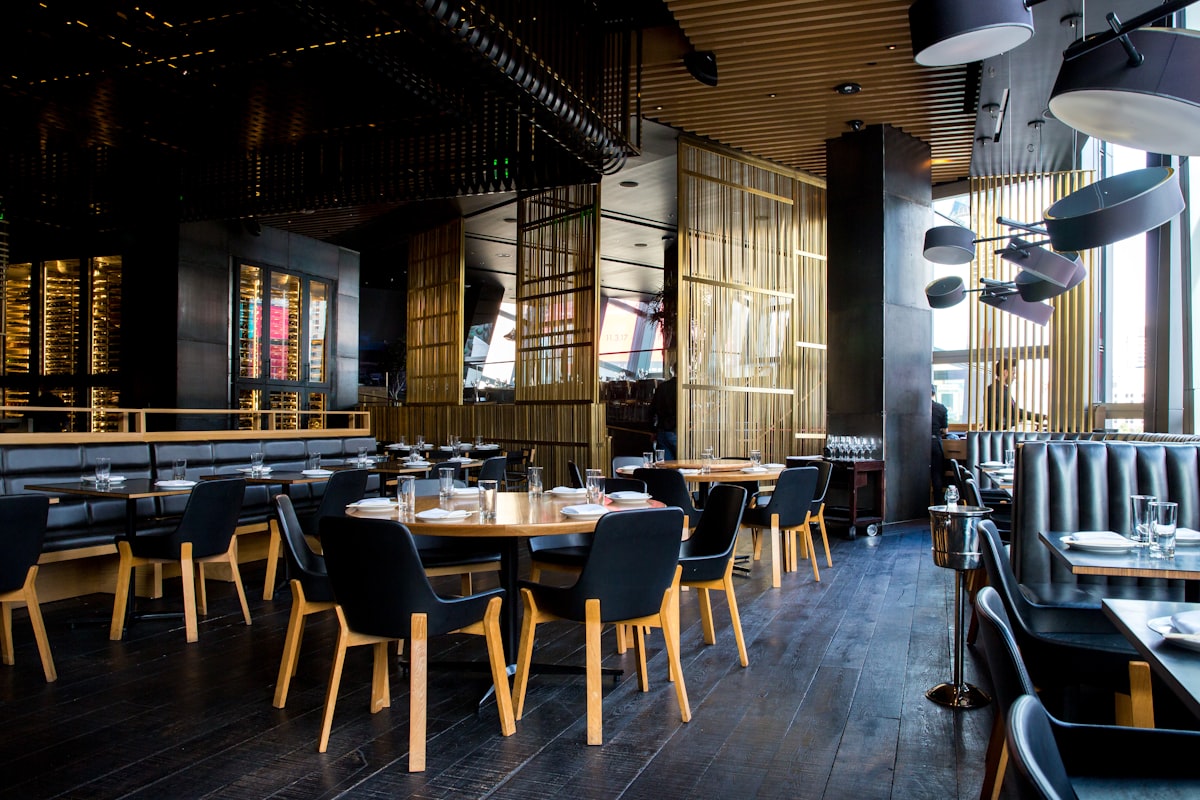
"86" is kitchen shorthand for an item you have run out of. Running out is normal: a popular fish sells through, the bakery delivery was short, the kunafa tray is finished by 10pm. What damages the evening is the gap between the kitchen knowing and the guest knowing. A guest orders the dish, waits fifteen minutes, then hears it is not available. Now they are choosing again, hungry, while their friends eat.
With a paper menu, closing that gap depends on every waiter remembering. With a digital menu, and especially one guests order from directly, it can be closed in seconds, but only if someone is responsible for doing it. This article covers who calls an 86 and who acts on it, what guests should see, how to stop orders that are already on their way, how to handle items that are only available at certain times, and what "live inventory sync" really involves.
1The 30-second 86 protocol
Speed comes from a fixed routine, not from software alone. Agree on this before the next busy night.
- The kitchen calls it early. The cook on that station tells the pass or the manager when a dish is down to its last few portions, not when it is gone. "Five sea bass left" is more useful than "sea bass is finished".
- One named person acts on it. Usually the manager on duty or the expeditor. They mark the item sold out on the digital menu and in any delivery app partner tool.
- The floor hears it once, clearly. A short call to front of house ("86 sea bass") plus a note on the whiteboard or staff group.
- It comes back just as deliberately. When stock arrives the next day, the same person switches the item back on during opening checks.
The "last five" warning is the most valuable habit here. It gives waiters time to steer the next tables towards another dish, and it prevents the worst case: two tables ordering the last portion at the same time.
Pro Tip
Keep a small laminated "86 board" by the pass with a dry-wipe marker. The kitchen writes items as they run low, the manager ticks them when the menu is updated. It takes seconds and nobody has to remember who was told.
2What guests should see: hide it or show it as sold out?
There are two ways to handle a sold-out item on a digital menu, and they suit different situations.
| Hide the item | Show it as sold out | |
|---|---|---|
| What the guest sees | The item is simply not there | The item is visible but greyed out with a "Sold out" label, and cannot be ordered |
| Good for | Items dropped for the season or the week | Tonight-only shortages of popular dishes |
| Risk | Regulars who came for that dish think it was removed for good and ask staff anyway | A menu with many greyed-out items looks badly run |
| Side effect | None | Signals the dish is popular enough to sell out, which is not a bad message |
For a normal service shortage, showing it as sold out is usually better: the regular who came for the lamb shank sees immediately that it is gone tonight rather than wondering whether it was taken off the menu. If more than two or three items in one section are sold out, that is a stock problem to fix, not a display problem.
Menyo's sold-out switch works this way on every plan: the item stays on the menu but is dimmed, with its photo in greyscale and a "Sold Out" badge, and the add-to-order button is disabled so guests cannot order it from the table. It is a single toggle on the item in the dashboard, including on a phone.
3Stop orders that are already in the pipeline
Marking an item sold out stops new orders. It does not help with the three orders placed in the last five minutes, before anyone toggled anything. Plan for them.
Catch them at the pass
Whoever marks the item sold out should immediately check open tickets for that item, on the kitchen screen or on the paper rail. If you run a kitchen display, the open tickets are in one place; see kitchen display vs paper tickets for how that changes the flow. For every open ticket with the item, the table's waiter goes to the guest straight away, not when the rest of the food is ready.
What the waiter says
Have a short script and two ready alternatives for each signature dish:
- "I'm really sorry, the sea bass has just sold out. The chef recommends the grilled bream instead, same sides, or the shrimp tagine."
- Offer the alternative at the same price or lower. If it costs more, many operators absorb the difference for that order.
- If the rest of the table's food is ready, ask whether they want it served now or held.
Letting the kitchen quietly substitute a different dish.
→ A guest who ordered sea bass and receives bream without being asked feels deceived, even if the bream is better. Always ask the guest first.
Remember delivery
Delivery apps keep taking orders for an item until you pause it in their partner tool, and each app has its own switch. Add "check delivery apps" to the 86 routine, or you will be phoning delivery customers to cancel.
4Items that are only available sometimes
Not every unavailable item is sold out. Some are only served at certain times, and treating those as surprises every day creates avoidable 86s.
| Situation | Better approach |
|---|---|
| Breakfast items only until noon | Run a separate breakfast menu and switch menus at the cut-off, instead of marking items sold out every afternoon |
| Weekend-only dishes (Friday fatta, for example) | Say so in the item name or description ("Fridays only") and mark it sold out the rest of the week, or keep it on a weekend menu |
| Limited daily batch (20 portions of a slow-cooked dish) | Put "limited daily" in the description and use the last-five warning |
| Ramadan items | A dedicated iftar and suhoor menu, published before the month starts and retired after Eid |
On Menyo, the Growth plan allows up to three menus and Professional up to ten, and you can assign menus per table, so a breakfast and an all-day menu can be kept apart rather than toggling individual items.
5Live inventory sync: what it really takes
Some systems promise that items mark themselves as sold out automatically when stock runs out. That can work, but only if several things are true at once:
- Every dish has an accurate recipe in the system, down to grams of each ingredient.
- Every delivery is received into the system the day it arrives.
- Waste, staff meals and spillage are recorded.
- Stock is counted regularly so the system's numbers match the fridge.
If any of these slips, the system's count drifts away from reality, and you get the worst of both: items showing as available when the fridge is empty, or dishes blocked when there is plenty. For most independent restaurants, a manual sold-out switch plus a disciplined 86 routine is more reliable than automated sync on top of unreliable counts.
That does not mean ignoring inventory. Knowing your par levels (how much of each item you need for a normal day) prevents most 86s before service starts. Our inventory management guide for Egyptian restaurants covers setting pars and counting. As a rule, if the same dish sells out before 9pm three times in two weeks, raise its par or prep level.
6Use your sell-outs as data
Every 86 tells you something. Keep a simple log: date, item, time it ran out, and why (sold more than expected, delivery short, prep mistake). After a month, patterns appear:
- Same item, same day of week: raise the par for that day.
- Always short deliveries from one supplier: a supplier conversation or a backup supplier.
- Sold out early but high waste at close on other days: prep in smaller batches more often.
- A dish that sells out constantly: it may be underpriced. Check its margin before making more of it.
Changing the menu itself is covered in how to update your menu instantly without reprinting.
7Frequently asked questions
What does 86 mean in a restaurant?
It is kitchen slang for an item that has run out or has been taken off for the day. "86 the salmon" means stop selling salmon.
Should I hide sold-out items or show them as sold out?
For a shortage that lasts only tonight, show them as sold out so regulars know the dish still exists. For items dropped for the season, hide or delete them.
How do I stop guests ordering an item that just ran out?
Mark it sold out on the digital menu so it can no longer be added to an order, pause it on delivery apps, and check open tickets for orders placed just before you switched it off.
Can a digital menu mark items sold out automatically?
Some systems can, if they track stock against accurate recipes. It only works when deliveries, waste and counts are recorded consistently. Most independent restaurants do better with a fast manual switch and an early warning from the kitchen.
8Close the gap between kitchen and guest
Call it early, give one person the job of switching it off, check open tickets, pause delivery apps, and switch it back on at opening. Guests forgive "sold out" on the menu. They do not forgive hearing it after fifteen minutes of waiting.
Menyo's sold-out toggle is included on every plan, from $19 a month. On plans with table ordering, guests cannot add the item the moment you switch it off. Start a trial and set up your menu.
Ready to digitize your menu?
Create a beautiful QR menu from a photo in minutes—the AI scan takes about 60 seconds. AI extracts items and prices automatically.
Try Menyo Free