
How to rank your restaurant higher on Google Maps
The categories, pin, hours, review and photo work that moves restaurants up Google Maps and "near me" results, plus a simple 30-day plan.
Menyo Team
June 19, 2026
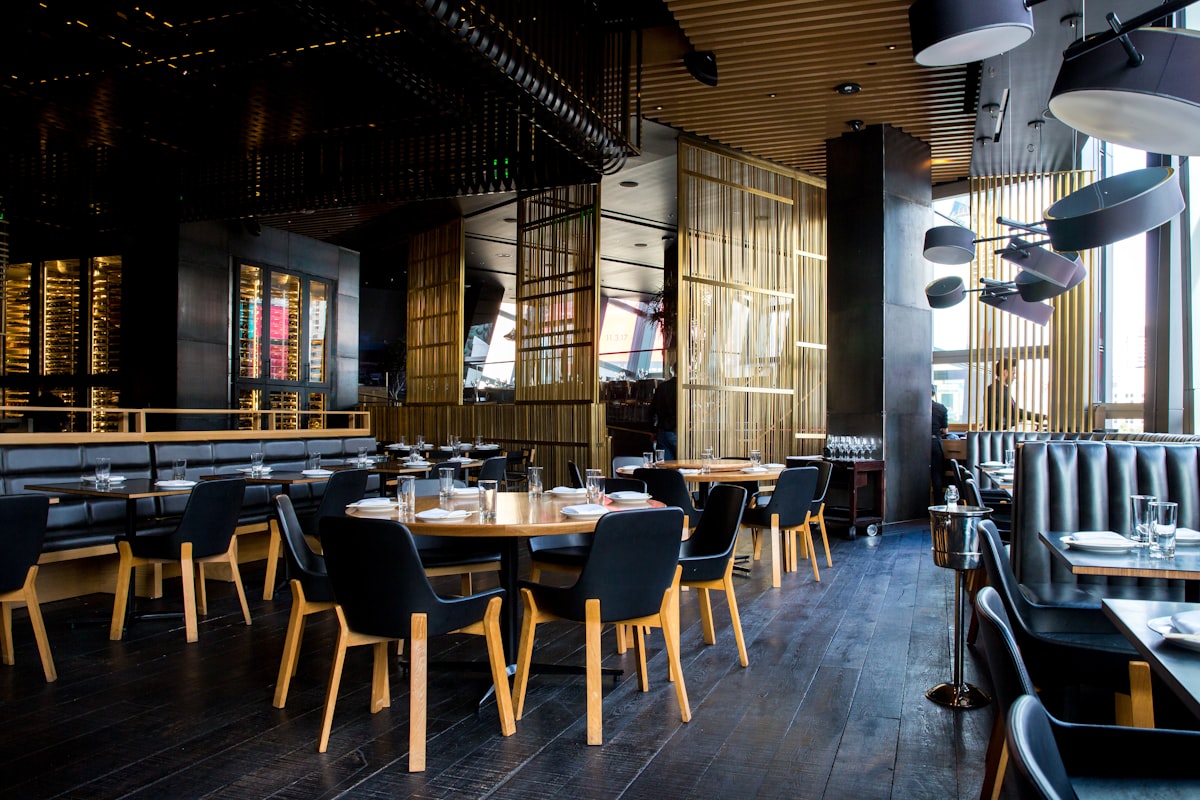
Someone standing on a street in Heliopolis types "breakfast near me" and Google shows three places on a map. Those three get the visit. The fourth, maybe better, restaurant two streets away doesn't exist for that person. Showing up in that small group, which marketers call the local pack, is one of the cheapest sources of new guests you have, and most of what decides it is in your hands.
This guide explains how Google ranks local results, then goes through what you can change: categories, the map pin, hours, reviews, photos and signals from outside Google. It ends with a 30-day plan. Nothing here is a trick. Google's guidelines punish tricks, and the steps below are the ones that hold up.
1How Google decides who shows up
Google says publicly that local results are based on three things:
| Factor | What it means | Can you change it? |
|---|---|---|
| Relevance | How well your profile matches what the person searched | Yes: categories, description, menu, attributes |
| Distance | How far you are from the searcher, or from the area they named | No, apart from getting your pin exactly right |
| Prominence | How well known you are: reviews, ratings, mentions around the web | Yes, slowly: reviews, photos, listings, press |
Google also says you can't pay to rank higher in local results. Ads can appear above them, but the map results themselves are earned. So the work splits into two parts: make Google certain what you are (relevance), and give it reasons to trust you (prominence).
2Categories and your business name
Your primary category is one of the strongest relevance signals. Pick the most specific one that is true: "Seafood restaurant" or "Breakfast restaurant" beats plain "Restaurant" if that's what you are. Then add a few secondary categories that describe real parts of your business, such as "Café", "Dessert shop" or "Takeout restaurant". Don't add categories you can't back up. A shisha café calling itself a "Fine dining restaurant" confuses Google and guests.
Your business name must match your real-world signage. Adding keywords ("Koshari El Tahrir | Best Koshari Downtown Cairo Delivery") breaks Google's guidelines and can get your profile suspended, and competitors do report it. If your sign is in Arabic and English, use the name as it actually appears.
Pro Tip
Search your main dish plus your area ("fatta Mohandessin") and look at the primary categories of the places that appear. You can see a competitor's main category on their profile. It shows you which categories Google connects with that search.
3Get the pin and address exactly right
Distance is calculated from your pin, so a pin on the wrong street, or on the building's back entrance, costs you both ranking and guests who walk to the wrong place. In Egyptian cities where street numbers are often missing or inconsistent, this matters even more.
- Drag the pin onto your actual entrance in satellite view, not the middle of the block
- Write the address the way locals give it, then use the description or directions to add a landmark ("next to the metro station exit")
- Use the same address format everywhere: website, Facebook, Instagram, delivery apps
- If you're inside a mall or hotel, say which floor and entrance
Don't create separate profiles for the same location to cover more areas. Duplicate listings are against the guidelines and usually split your reviews in two.
4Hours, special hours and attributes
Wrong hours are the fastest way to earn a bad review ("drove there, it was closed"). Keep them exact, and use special hours for:
- Ramadan, when many venues open for iftar and stay open for suhoor
- Eid and public holidays
- Seasonal venues in Sahel, Ain Sokhna, Hurghada or Sharm that close or shorten hours out of season. Mark the profile as temporarily closed rather than leaving wrong hours up.
Then fill in every attribute that applies: outdoor seating, delivery, takeout, dine-in, family friendly, Wi-Fi, accessibility, and payment options. Attributes help you match searches with specific needs, and they reduce the "do you have...?" calls your staff answer.
Add a menu link as well. It gives Google more detail on what you serve and gives guests a reason to choose you. Our step-by-step guide on adding your menu to Google Search and Maps covers it.
5Reviews: volume, recency and replies
Google says review count and rating play a part in local ranking, and guests read the recent ones before deciding. What helps:
- Ask every guest who looks happy, at the right moment: when the bill arrives or when they compliment a dish. A small card with a QR code that opens your review page makes it one tap.
- Keep reviews coming steadily. A burst of 50 in one week and then nothing looks odd. A few every week looks like a living business.
- Reply to every review, in the language it was written in. Thank people for good ones. For bad ones, reply calmly, acknowledge the specific problem and say what you changed.
Watch Out
What gets profiles penalised: Paying for reviews, offering a discount or free item in exchange for a review, asking only happy guests while steering unhappy ones elsewhere, or having staff and friends post reviews. All of these are against Google's policies. Reviews can be removed and profiles restricted.
For a full system to collect and respond to reviews, see our review strategy for Egyptian restaurants.
6Photos and updates
Photos help the guest decide and show Google the profile is active. Add, in this order:
- The exterior and entrance in daylight, so people can find you
- The interior as it looks when it's busy, not empty
- Your top 10 dishes, shot close in natural light
- Your team and kitchen, if you're proud of them
Add a few new photos every month rather than 100 on one day. Use the profile's updates or posts feature for new dishes, Ramadan menus and events. Phone photos are fine if you shoot them well: our guide to food photos with your phone shows how.
7Signals from outside Google
Prominence also comes from the rest of the web. Things that help, roughly in order of effort:
- A website with your name, address and phone exactly as on Google, plus your menu. A simple one-page site is enough.
- Consistent listings on the platforms your guests use, such as delivery apps, local food directories and, in tourist areas, TripAdvisor.
- Links to your site from your social profiles.
- Mentions in local food blogs, pages and press. Invite them when you launch something new.
Menyo plans include a place website with your hours, location and menu button on one page, so you have a site to link from Google even if you've never built one. For the wider picture, including your own website's search visibility, read the complete SEO guide for Egyptian restaurants.
8Your 30-day plan
| Week | Do this |
|---|---|
| 1 | Claim and verify the profile if needed. Fix primary and secondary categories, name, pin, phone, hours and attributes. Add the menu link. |
| 2 | Upload exterior, interior and top-dish photos. Write a plain description of what you serve and where. |
| 3 | Print review cards with a QR code, brief staff on when to ask, and reply to every existing review you haven't answered. |
| 4 | Check that your address, hours and name match on your website, Facebook, Instagram and delivery apps. Post your first update. |
After that, the monthly routine is small: new photos, a post or two, replies to every review, and special hours before every holiday.
9Frequently asked questions
How long does it take to rank higher on Google Maps?
Profile fixes such as categories and hours can take effect within days to weeks. Prominence from reviews and mentions builds over months. There is no fixed timeline.
Why does a worse restaurant rank above mine?
It may be closer to the searcher, have a more specific category, or have more recent reviews. Compare their profile with yours on those three points first.
Can I add "near me" keywords to my business name?
No. Adding keywords that aren't part of your real name breaks Google's guidelines and can get the profile suspended. Use categories, the description and your menu instead.
Do replies to reviews help ranking?
Google encourages owners to reply, and replies clearly influence guests reading the profile. Treat them as part of your service, not a ranking trick.
10Keep it boring and consistent
Most local ranking wins come from dull, correct work: the right category, an exact pin, true hours, steady reviews, fresh photos and the same details everywhere. Do it for a month, then keep it up for ten minutes a week.
If you need a menu link and a simple restaurant website to connect to your profile, start with Menyo.
Ready to digitize your menu?
Create a beautiful QR menu from a photo in minutes—the AI scan takes about 60 seconds. AI extracts items and prices automatically.
Try Menyo Free