
How to add your menu to Google Search and Maps
Where Google gets your menu from, how to add a menu link and items to your Business Profile, and how to keep Google, Facebook and Instagram in sync.
Menyo Team
June 17, 2026
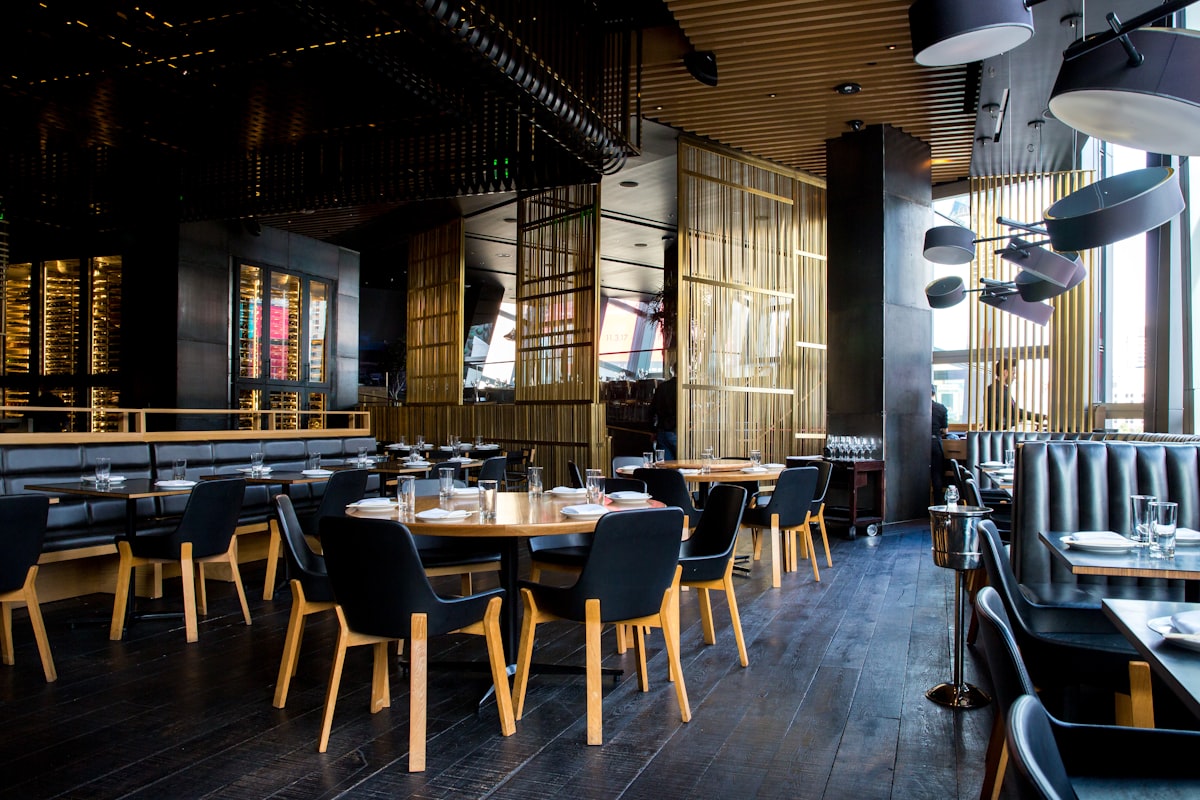
Search your restaurant's name on Google right now and tap "Menu". There's a good chance you'll see one of three things: nothing, a blurry photo of a menu a guest took two years ago with prices you stopped charging long ago, or a link to a delivery app you'd rather people didn't use. Every one of those costs you guests who decide where to eat before they leave the house.
This guide shows you where Google gets menu information, how to put a correct menu link and menu items on your Google Business Profile, how to deal with outdated menu photos, and how to add the same link to Facebook and Instagram so all three stay in sync. Google changes the names of buttons often, so where a label may differ, we say what to look for.
1Where Google gets your menu from
Google can show menu information from several sources, sometimes at once:
| Source | Who controls it | Risk |
|---|---|---|
| Menu link on your Business Profile | You | Goes stale if it points to a PDF you never update |
| Menu items added in Google's menu editor | You | A second copy of your menu to keep up to date by hand |
| Photos tagged as "menu" | You and your guests | Guests' photos of old menus with old prices |
| Ordering and booking partners | Third-party providers | Sends people to a delivery app instead of to you |
You can't control everything Google shows, but you can make your own sources so clear and current that they are what people see first.
2Before you start: one stable menu link
The single most important decision is what the menu link points to. It should be:
- A web page that opens quickly on a phone, not a PDF that needs zooming
- A link that never changes, even when the menu does, so you never have to edit Google again
- Your own, not a delivery app's listing where you pay commission on every order
- Bilingual if your guests are, with Arabic and English on the same page or a language switch
A PDF on Google Drive fails most of these. Every price change means a new file, and often a new link. A hosted digital menu with a fixed address passes all of them: you edit the menu and the link keeps working. In Menyo, each published menu has its own link. Growth plans and above can pick a clean address such as menyo.pro/your-restaurant, and Professional adds a branded your-restaurant.menyo.pro subdomain. If you're unsure how fixed and changeable links differ, read static vs dynamic QR codes, because the same logic applies.
3Add the menu link to your Google Business Profile
You need to be an owner or manager of the profile. If you haven't claimed and verified it yet, do that first through Google Business Profile.
- Sign in to the Google account that manages your profile.
- Search your restaurant's exact name on Google Search or open it in the Google Maps app. Your management panel appears above the public listing.
- Choose Edit profile.
- Look for the menu link field. It usually sits with the contact details or in a food and menu section. If you can't find it, search "menu link" in Google Business Profile Help for the current location.
- Paste your menu URL, starting with https://, and save.
- Check it from a phone that isn't signed in to your account. Edits can take time to appear, and some go through review.
Pro Tip
While you're in Edit profile, check your hours, phone number and website field. A correct menu link next to a wrong closing time still sends guests to a locked door.
4Should you also use Google's menu editor?
For many restaurant profiles, Google offers a menu editor where you type sections, items, descriptions and prices directly into your profile. Availability varies by country and business category, so you may or may not see it.
The advantage: individual dishes can appear on your listing and help Google match you to searches for specific food. The downside: it's a second copy of your menu. Every price change now has to be made twice, and under inflation that's often.
A sensible compromise:
- Use the editor for your 10 to 15 signature dishes, the ones people search for by name (your fatta, your seafood soup, your breakfast plate).
- Leave prices off those items if the editor allows it, or update them in the same session as every other price change.
- Keep the menu link as the full, always-correct menu.
5Deal with wrong menu photos
Guests upload photos of your printed menu, and those photos keep showing old prices long after you've changed them. You can't delete other people's photos, but you can push them down and flag the worst ones:
- Upload your own current menu photos from the profile, as clear, flat, well-lit images. This gives Google, and guests scrolling your photos, a current alternative to the old ones.
- Report photos that break Google's content policies using the flag option on the photo. Being outdated alone may not qualify, so don't count on removal.
- Answer in reviews when someone complains about a price they saw online: thank them and point to the menu link as the current menu.
Uploading a photo of a menu you're about to change
→ You'll create the same problem yourself. If your prices change often, upload photos of the menu layout or the QR stand with the link, and let the link carry the prices.
6Order and reservation links
Depending on your region, Google may show "Order online" or "Reserve a table" buttons, filled either by partner providers or by links you add yourself. Check your profile for an ordering or bookings section. Where you can set a preferred link, set your own direct ordering page, not a delivery app, so guests who search your name order from you directly. We explain why that matters in direct ordering vs Talabat.
7Facebook and Instagram
Put the same menu link in both, so every route leads to one menu.
Facebook Page
- Add the menu link to the website or links field in your Page details.
- Add or edit the Page's action button and choose the closest option available for food businesses, such as an order or "learn more" style button, pointing to your menu link.
- Pin a post with the link and a photo of your best-selling dish.
- Put the menu link in your bio links. Instagram allows several, so add "Menu" and, if you take bookings, "Book a table".
- Check whether your business profile offers an action button for ordering or booking, and point it to your own link where you can.
- Use a link sticker in stories when you launch a new dish, and save those stories in a "Menu" highlight.
For the pros and cons of relying on a bio link as your main menu, read QR code menu vs Instagram link in bio.
8Keep everything in sync
The whole point of one stable link is that price changes happen in one place. Once a quarter, do this five-minute check:
- Open your Google listing on a signed-out phone and tap Menu
- Check the menu editor items, if you use them, against current prices
- Upload a fresh owner photo if guest photos with old prices are showing first
- Tap the menu link in your Facebook Page and Instagram bio
- Check hours, including Ramadan and holiday hours
9Frequently asked questions
Why doesn't my menu show on Google Maps?
Usually because no menu link has been added to the Business Profile, the profile isn't verified, or the edit is still under review. Add the link through Edit profile and check again after a few days.
Can I add a PDF menu to Google?
You can link to one, but a PDF is slow on phones and often needs a new file for every change. A web menu with a fixed link is easier to read and to keep current.
How do I remove an old menu photo from Google?
You can delete photos you uploaded yourself. For guest photos, you can report ones that break Google's policies and upload newer owner photos, but outdated photos aren't always removed.
Should my Google menu be in Arabic or English?
Use the languages your guests read. A menu page with both, or a language switch, works for locals and tourists from the same link.
10One link, everywhere
Get one menu link that never changes, put it on Google, Facebook and Instagram and behind the QR codes on your tables, so the guest who checked the menu at home sees the same one at the table, add your signature dishes where Google lets you, and bury outdated photos with current ones. After that, a price change is one edit, not five.
If you need a menu link that stays the same while your prices change, create your Menyo menu and paste it into your profile today.
Ready to digitize your menu?
Create a beautiful QR menu from a photo in minutes—the AI scan takes about 60 seconds. AI extracts items and prices automatically.
Try Menyo Free