
Digital menus for restaurant chains and franchises
A playbook for multi-branch operators: what head office locks and what branches can change, monthly menu audits, fair benchmarking and franchisee adoption.
Menyo Team
June 12, 2026
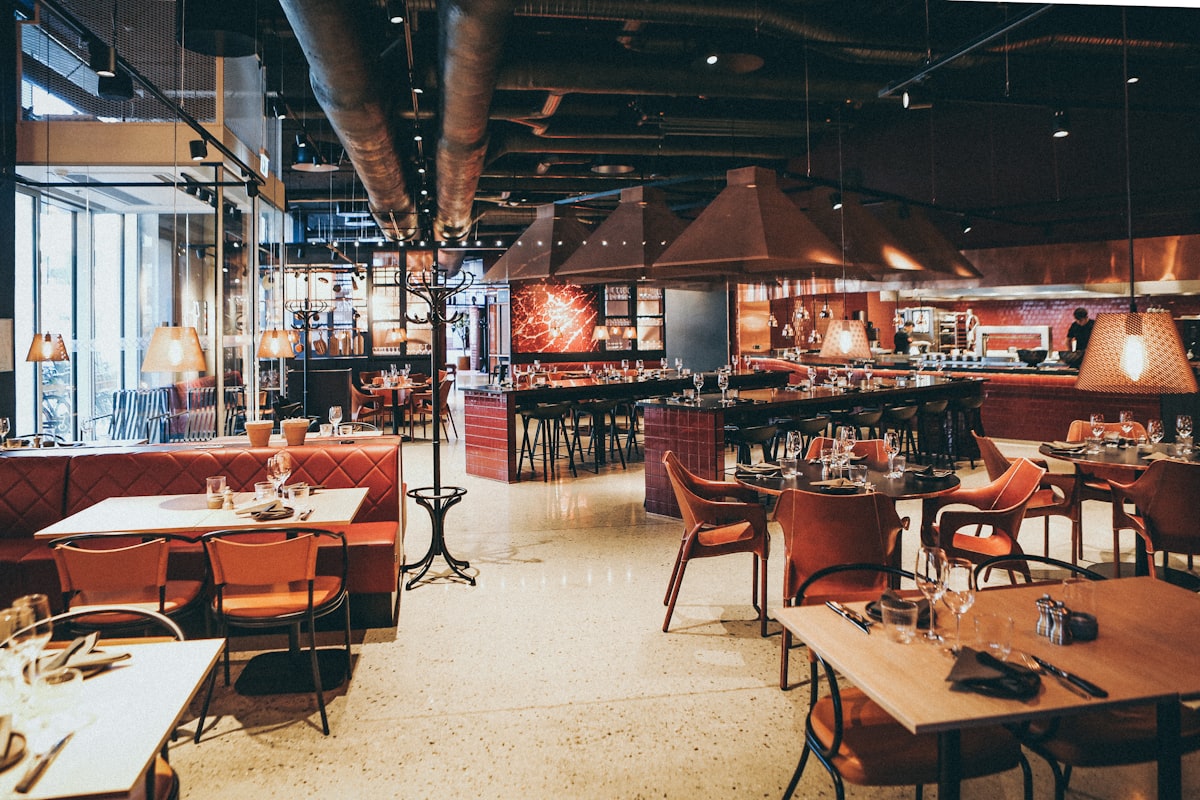
With one restaurant, the menu is whatever the owner says it is. With four branches, it is whatever each branch manager last printed. Prices drift by five or ten pounds, one branch still lists the dish you discontinued in spring, another has added a "local special" nobody approved, and the franchisee in Alexandria is using photos from 2022.
This guide is for owners of multi-branch restaurants and franchisors. It covers how to decide what head office controls and what branches can change, how to audit menus across locations, how to compare branch performance fairly, how to get franchisees to adopt a new system, and what to check in a platform before you roll it out across the group.
1Decide what is locked and what is local
Every chain needs a written answer to one question: which parts of the menu can a branch change? Without it, every conversation with a branch manager becomes a negotiation. A three-tier model works for most groups:
| Tier | What it covers | Who can change it |
|---|---|---|
| Locked core | Signature items, recipes, names, photos, descriptions | Head office only |
| Regional flex | Prices by area (mall, airport, tourist zone), seasonal availability | Head office, on a branch's request |
| Local | One or two local specials, sold-out status, opening hours | Branch manager |
Price is the tier people argue about most. Charging more in a mall or a hotel location is normal, since rent and service levels differ. What damages the brand is price differences nobody decided on. If a branch prices differently, it should be because head office set that price.
Pro Tip
Write the tier rules on one page and make it part of the franchise agreement or branch manager onboarding. A rule that exists only in the owner's head does not survive the second franchisee.
2How central control actually works in menu software
Platforms handle multiple branches in different ways, and the difference matters more than any feature list. Some keep a master menu that branches inherit, with local overrides. Others, including Menyo, give each branch its own menus under one account, so control comes from who is allowed to edit what. Ask every vendor to show you, live, how a price change reaches five branches and how long it takes.
In Menyo, each branch is a "place" with its own menus, hours, currency, branding and feature settings, all in one account. Staff are invited with one of eight roles (Owner, Admin, Manager, Editor and Viewer for management; Cashier, Kitchen and Waiter for operations), and team members can be given access to specific locations. That is how you implement the tiers above: head office holds Admin rights across all places, branch managers get rights only for their own branch, and cashiers and kitchen staff never touch the menu at all.
Plan limits to check: Professional ($99/month) covers up to three places and ten team members; Enterprise ($199/month) covers ten places and 50 team members; Ultimate ($399/month) removes the limits and adds white-labelling, single sign-on and audit logs. Groups weighing a white-label setup should read white-label versus branded menu platforms.
3A monthly menu compliance check
Even with good permissions, menus drift. A short monthly audit catches it. Open every branch's live menu on a phone, side by side, and check:
- Every locked-core item is present, with the same name, photo and description.
- Prices match the approved price list for that branch's tier.
- No discontinued items are still live.
- Local specials are within the agreed number and were approved.
- Opening hours and phone numbers are current.
- Translations (if you run Arabic and English) match across branches.
Give each branch a simple score: the number of checks passed out of six. Share the scores with all branch managers every month. Nobody likes being the branch with the lowest number, and the list fixes itself faster than any memo.
Mistake: letting each branch print its own table cards and posters.
→ Fix: print QR cards centrally, one design, with each branch's code. The code points to the branch's own menu, so the card never needs reprinting when the menu changes.
4Benchmarking branches fairly
Comparing branches is useful only if you compare like with like. A mall food-court branch and a street-side sit-down branch will never have the same numbers, so group branches by type before ranking them. Then track the same handful of metrics for each:
| Metric | How to calculate | What it tells you |
|---|---|---|
| Average order value | Sales divided by number of orders | Upselling and menu layout |
| Orders per day | Orders divided by trading days | Demand and capacity |
| Items per order | Items sold divided by orders | Whether add-ons are being offered |
| Top and bottom sellers | Rank items by quantity | Local taste, or a kitchen problem with a dish |
| Menu scans to orders | Orders divided by menu scans | Whether guests who look actually buy |
If one branch sells far fewer of a signature item than the others, taste the dish there before blaming the customers. In Menyo, the sales reports on Professional and above cover revenue, order count, average order value, top and bottom sellers and category performance, and they export to CSV so you can line branches up in one sheet.
5Getting every franchisee on board
A franchisee who did not choose the system will use it as little as possible. Adoption is a project, not an email:
- Pilot in one branch you control. Run it for a month and fix the problems there, not in front of franchisees.
- Show the franchisee what they gain. Fewer reprints, sold-out items updated in seconds, and their own branch numbers without calling head office.
- Name a champion per branch. One person who is trained properly and whom the rest of the staff ask.
- Train on the three daily tasks only. Marking an item sold out, changing opening hours, and reading the day's orders. Everything else can wait.
- Go live branch by branch. One or two a week, not all on the same Monday.
For the rollout itself, the steps in launching a digital menu without disrupting service apply to each branch. If you are moving from another platform, read switching platforms without breaking existing QR codes first.
6Guests, branches and brands
Two practical questions come up once a chain goes digital. First, how does a guest find the right branch? Each branch has its own QR codes and its own menu link, so a guest scanning at a table always lands on that branch's menu and prices. For online links, list your branches on your website and link each one to its own menu.
Second, what if the group runs several brands? One account can hold places of different types (restaurant, café, bar, bakery), each with its own branding. Keep brand rules separate: a burger brand and a café brand should not share menus, even if they share an owner.
Group-wide promotions work the same way. On Professional and above, promotions can be scheduled and scoped to a place or a menu, so head office can run a campaign in every branch or only in the three that need it.
7Frequently asked questions
Should all branches have identical prices?
Not necessarily. Different prices for different location types are normal. What matters is that head office sets them deliberately and the monthly audit confirms them.
How many branches before central menu control is worth it?
From the second branch. The drift starts immediately, and it is much easier to set rules with two branches than to fix habits with six.
Can a franchisee edit their own menu without seeing other branches?
Yes. In Menyo you invite them with a role and give them access to their own location only.
Which Menyo plan fits a chain?
Professional covers up to three branches, Enterprise up to ten, and Ultimate is unlimited. Compare details on the pricing page.
8Start with the one-page rulebook
Before you touch any software, write the locked, regional and local tiers on one page and agree them with your branch managers or franchisees. Then pilot the system in one branch and run your first monthly audit. The software makes the rules easy to follow; it cannot write them for you.
Set up your branches on Menyo and run your first cross-branch menu audit this month.
Ready to digitize your menu?
Create a beautiful QR menu from a photo in minutes—the AI scan takes about 60 seconds. AI extracts items and prices automatically.
Try Menyo Free