
How to roll out a digital menu without disrupting service
Switching from paper to a digital menu? Stage the rollout over two weeks, train the whole team in 30 minutes, handle guests who prefer paper, and keep a small backup stack.
Menyo Team
June 2, 2026
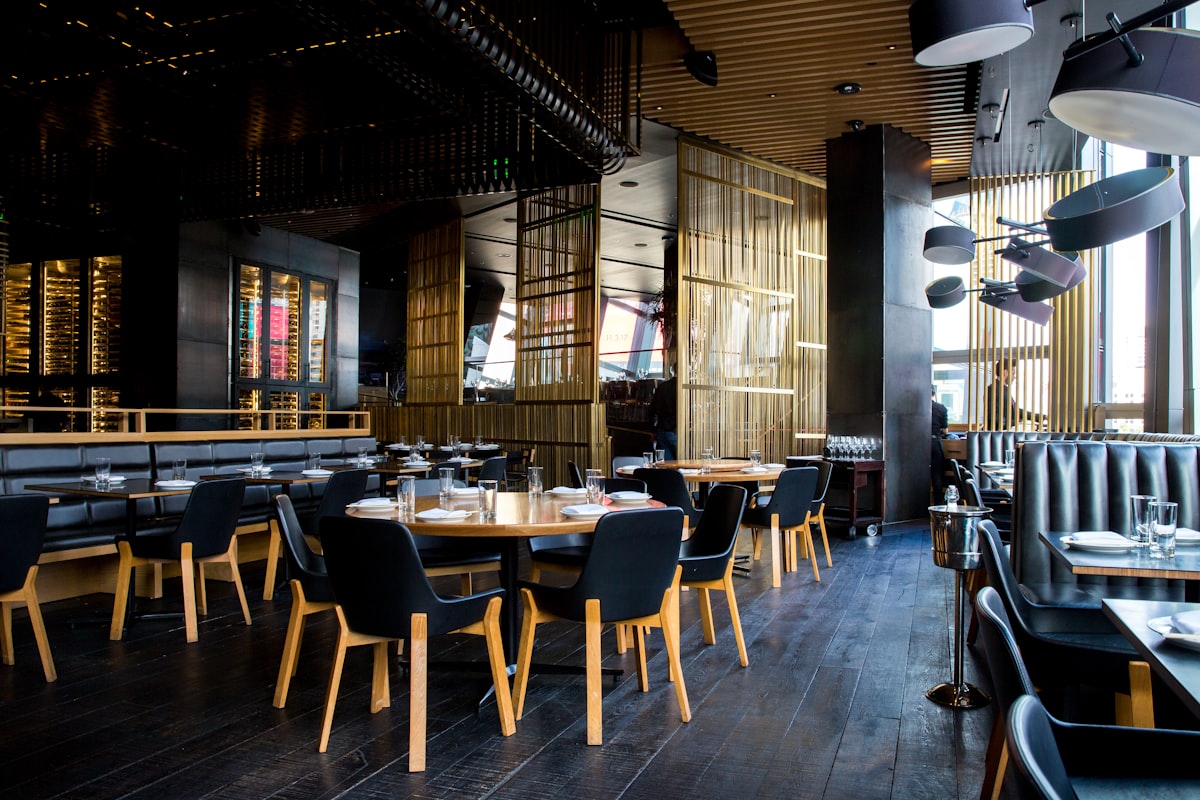
The risky part of moving from paper to a digital menu is not the software. It is the first busy Friday, when a table of eight cannot get the code to scan, the waiter does not know whether the menu shows the new shisha prices, and the manager is too busy to help. Get that night wrong and staff decide the new system is the problem, and quietly go back to paper.
This is a rollout plan built around protecting service. It covers a two-week soft launch, a training session that fits into one pre-shift meeting, how to handle guests who do not want to scan, and what should stay on paper permanently. It works whether you are retrofitting an existing restaurant or a café that has used the same laminated menu for years.
1Before launch: get the menu right while nobody is watching
Most launch-night problems are menu problems, not QR problems: a missing item, an old price, a modifier that does not match what the kitchen makes. Fix these before a single guest sees the code.
- Build the menu from your current paper version. Type it in, or photograph it and use an AI import to pull out the items and prices; this guide to building a menu from a photo explains how that works and what to check afterwards.
- Have the head chef and a senior waiter proofread it side by side with the paper menu. The chef catches wrong descriptions and missing options; the waiter catches items guests always ask about that are not listed.
- Decide one owner for menu changes. One person updates prices and marks items sold out. Everyone else tells that person.
- Print the table codes and test every one from the guest's seat, with the lighting you have at night, on an older Android phone as well as a new iPhone.
- Post the Wi-Fi name and password near the code if you offer guest Wi-Fi. Weak mobile signal in basements and malls is a common reason scans fail.
Pro Tip
Add a short printed web address under each QR code (for example menyo.pro/yourcafe). Guests whose camera will not scan can type it, and staff can read it out over the phone.
2A two-week soft launch
Do not switch the whole restaurant on a Thursday. Stage it so problems appear when you have spare hands.
| When | What changes | What you watch for |
|---|---|---|
| Days 1 to 3 | QR codes on a few tables in one section, lunch or quiet shifts only. Paper menus still offered to everyone. | Codes that fail to scan, pages that load slowly, items guests cannot find. |
| Days 4 to 7 | Codes on all tables at quiet shifts. Waiters mention the QR first, then offer paper. | Questions that repeat. Each repeated question is a menu fix (a missing photo, an unclear name). |
| Week 2 | Codes on all tables, all shifts, including weekends. Paper available on request. | Peak-hour behaviour: how many tables ask for paper, how the kitchen copes with any ordering changes. |
| After week 2 | Decide how many paper menus to keep, and retire the rest. | Whether staff are still defaulting to paper out of habit. |
If your digital menu also takes orders, launch viewing first and ordering second. Let guests and staff get used to the menu for a week before orders start landing in the kitchen from the table. Changing how guests read the menu and how the kitchen receives orders on the same night doubles the ways things can go wrong.
3Train the team in one pre-shift meeting
You do not need a training day. A 30-minute session before one shift covers it, as long as everyone does it on their own phone rather than watching a demo.
| Minutes | Activity |
|---|---|
| 0 to 5 | Why you are doing it, in one sentence the team cares about: "No more crossing out prices with a pen" or "fewer trips to fetch menus." |
| 5 to 15 | Everyone scans a table code on their own phone and finds three things you call out: a dish with an add-on, a vegetarian item, and the drinks section. |
| 15 to 20 | Role-play the three guest situations in the next section. One waiter plays the difficult guest. |
| 20 to 25 | Show who updates the menu and how staff report a sold-out item or wrong price. |
| 25 to 30 | Questions, and hand out the one-page cheat sheet. |
The one-page cheat sheet
- The short web address for the menu, and the Wi-Fi password.
- What to say when offering the QR: "Our menu is on the code here, with photos. I also have a printed one if you prefer."
- Who to tell when something runs out or a price is wrong.
- What to do if the menu will not load: hand over a paper menu, no apology speech, tell the manager.
A useful side effect for new hires: a digital menu with photos and short descriptions becomes a study tool. A new waiter can learn the menu at home on their phone instead of memorising a laminated card during shifts. Ask new staff to go through it before their first shift and quiz them on five dishes.
Training only the managers and letting it trickle down.
→ Waiters are the ones guests ask. If they have not scanned the code themselves, they will default to handing out paper. Every front-of-house person scans and navigates the menu on their own phone during training.
4Guests who do not want to scan
Some guests will not use a QR code, and that is fine. The goal is not to force anyone; it is to make the digital menu the easy default while paper stays available. Train for the common cases:
| Guest | What to do |
|---|---|
| Older guest or someone who dislikes phones at the table | Offer paper immediately, without comment. Do not explain the QR unless asked. |
| Phone battery dead or no data | Paper menu, plus the Wi-Fi password for next time. |
| Large group sharing | One or two paper menus for the table so people can point and discuss, alongside the QR. |
| Tourist who does not read Arabic | The digital menu, if it has English or their language, is usually easier than the paper one. Show them the language switcher if you have one. |
| Guest with poor eyesight | The phone lets them zoom; offer both and let them pick. |
For a deeper look at accessibility, including screen readers and low-vision guests, see the QR menu accessibility problem. For persuading the guests who are merely unfamiliar rather than opposed, how to get customers to use a QR menu has practical scripts.
5What to keep on paper
Going digital does not mean zero paper. Keep a small, deliberate set:
- A few printed menus: roughly one for every three or four tables is a sensible starting point. Adjust after two weeks based on how often staff hand them out.
- A simplified printed version limited to items whose prices rarely change, if full reprints are a pain, with "full menu and today's prices on the QR" printed at the bottom.
- An allergen binder at the pass or host stand, so staff can answer questions accurately even if the guest is on paper.
- A backup plan for outages: if Wi-Fi or mobile networks fail, paper menus go out and nobody panics.
Paper menus you keep are now a backup, so print them cheaply and date them, so staff know whether a copy is current.
6New restaurant vs existing restaurant: what differs
A new restaurant launches digital with no habits to break: guests have never seen your paper menu and staff are learning everything at once anyway. The work is mostly in setup, and the ideal is to have codes on tables for your friends-and-family soft opening so the menu is tested before paying guests arrive.
An existing restaurant has regulars who "always order the usual from page two" and staff with years of paper habits. The staged rollout above exists for this case. Tell regulars personally, keep paper easy to get for longer, and expect the transition to take a few weeks rather than a few days.
In both cases the payoff is the same: once the menu is digital, price changes and sold-out items take minutes rather than a reprint. Where you place the codes also matters more than most owners expect; our QR placement and printing guide covers size, material and lighting.
7Frequently asked questions
How long does it take to switch from paper to a digital menu?
Building the menu can take an afternoon if you import it from a photo and proofread it. The rollout, from first test tables to full service, is best spread over about two weeks so problems show up during quiet shifts.
Should I remove all paper menus at once?
No. Keep a small stock permanently for guests who prefer paper and for outages. Reduce the number gradually once you see how often staff actually hand them out.
What if staff keep handing out paper menus?
Usually it means they are unsure about the digital one. Check that each waiter has scanned and navigated it themselves, fix any items they say guests cannot find, and give them a one-line script to offer the QR first.
Should I launch ordering from the table at the same time as the menu?
Better not. Launch the digital menu first, let everyone settle for a week, then switch on table ordering once the kitchen and staff know how orders will arrive.
8The short version
Proofread the menu with your chef, test every code from the seat, launch on quiet shifts in one section, train everyone on their own phones in one pre-shift meeting, and keep a small stack of paper for the guests who want it. Service stays calm, and within a couple of weeks the digital menu is simply how the restaurant works.
Menyo can import your paper menu from a photo, generate your QR codes (per-table codes too, within your plan's QR limit), and let you change prices from your phone, starting at $19 a month on Starter. Start your trial and build your menu before launch day.
Ready to digitize your menu?
Create a beautiful QR menu from a photo in minutes—the AI scan takes about 60 seconds. AI extracts items and prices automatically.
Try Menyo Free