
Digital menus for hotels and resorts: the F&B director guide
A structural guide for hotel and resort F&B teams: mapping outlets, organising menus and QR codes, all-inclusive packages, sunbed service, banquets and languages.
Menyo Team
June 16, 2026
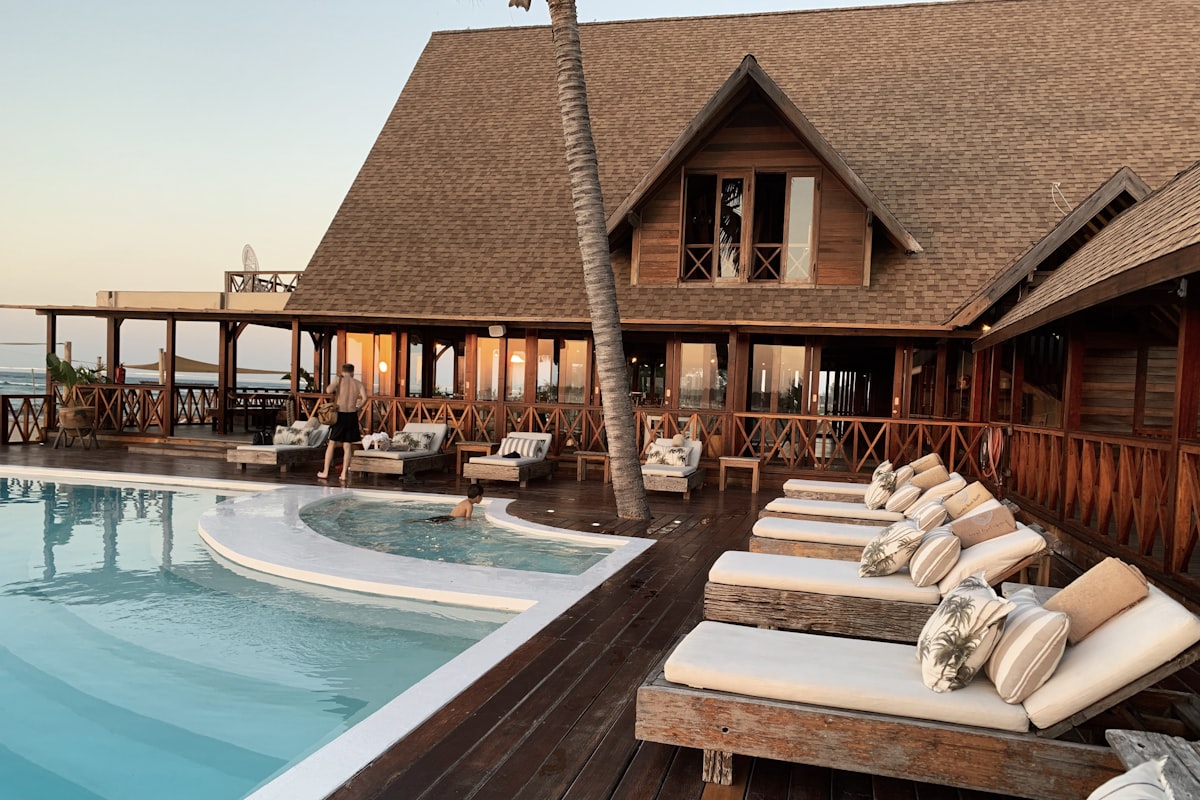
A resort on the Red Sea might run a buffet restaurant, two à la carte restaurants, a lobby bar, a pool bar, a beach club, in-room dining and a banquet hall, each with its own hours, its own team and its own printed menu in four languages. When the lemonade price changes, someone has to find every copy. When a Russian-speaking guest at the beach asks what is in the club sandwich, a waiter has to walk back to the bar to check.
This guide is for F&B directors and outlet managers in hotels and resorts. It is about structure first: how to map your outlets, how to organise them in a digital menu platform, and how to handle the parts that are specific to hotels, such as all-inclusive packages, sunbed service, banquets, multiple languages and groups with more than one property.
1Map your outlets before you choose anything
Write down every point of sale in the property and what its menu actually has to do. A typical map looks like this:
| Outlet | What the menu must do | Hardest part |
|---|---|---|
| Buffet restaurant | Show theme nights, allergens, drinks charged extra | Changes nightly |
| À la carte restaurants | Full menu with descriptions and photos, booking | Guests expect a printed experience too |
| Lobby and pool bars | Drinks list, snacks, happy hour | Included vs paid drinks |
| Beach club | Order from the sunbed, call a waiter | Sun, sand and distance |
| In-room dining | Order without a phone call, 24-hour and night menus | Room charges |
| Banquets and events | Per-head packages, event-specific menus | Every event is different |
This map tells you how many menus you need, how many QR codes, and which outlets actually need ordering rather than a menu to read. It also tells you which outlets are worth doing first: usually the ones where printed menus change most often and where staff walk the furthest.
2Structuring outlets: places, menus and QR codes
In most menu platforms you will make one structural decision early: is each outlet its own venue, or is the hotel one venue with several menus? A practical rule:
- Make it a separate venue when the outlet has its own opening hours, its own staff and its own sales you want to report on separately. The beach club and the main restaurant are usually separate.
- Make it a separate menu when the same team serves it. The lobby bar's snack menu and its drinks list are menus, not venues.
In Menyo, a venue is a "place" with its own hours, currency, branding and settings, and each place can hold several menus. You can assign a specific menu to specific tables, so the pool bar tables get the drinks and snacks menu while the terrace gets the full lunch menu. Professional ($99/month) covers up to three places, ten menus and 50 QR codes. Enterprise ($199/month) raises that to ten places with unlimited menus and QR codes, which is where most full resorts land. Check the numbers against your outlet map before choosing, especially QR codes if you plan one per sunbed.
Pro Tip
Name tables after what staff actually call them: "Pool B-14", "Beach row 3 bed 6", "Lobby sofa 2". Every order and waiter call arrives with that name, and a waiter at the far end of the beach should not need a map to find it.
3All-inclusive packages without confusion
All-inclusive resorts have a specific menu problem: the guest does not know which drinks are included and is embarrassed to ask. The menu should answer it before they order.
- Split each bar menu into two clear groups: Included in your package and Premium, charged to your room.
- Show prices only in the premium group. An included item with a price next to it causes exactly the confusion you are trying to avoid.
- Explain the rule in one line at the top of the menu, including hours ("Package drinks served 10:00 to 23:00").
- If different wristband levels include different drinks, make separate menus per package rather than footnotes, and point the right table codes or cards to the right menu.
Whatever you choose, test it with a new staff member: if they cannot tell within five seconds whether a drink is included, the guest will not either.
4Pool bars and beach clubs
This is where a digital menu earns its keep. The distance between a sunbed and the bar is the real cost of service, and every walk to ask "anything else?" is a walk that might not produce an order.
- Put a code on every sunbed or umbrella, printed on outdoor-grade vinyl, with the bed number printed next to it.
- Let guests call a waiter from the bed. Menyo's call-waiter button (from the Growth plan) sends the table name to the staff dashboard and a push notification to staff phones, and it is rate-limited to once every five minutes per table so it is not abused.
- If you enable ordering from the bed, decide who runs orders and how they are charged before the season starts.
- Filter waiter calls by area, so the beach team only sees beach calls.
- Keep the beach menu short. Guests in the sun want drinks, ice cream, fruit and one or two light meals.
5Banquets, conferences and events
Banquet menus are really proposals: packages priced per person with options per course. A digital menu helps in two places.
Before the event: build a menu for the event with each package as an item ("Gala dinner package, per person") and the course choices listed in the description or as choice groups. Send the organiser the link. When they want a change, you edit it instead of redoing a PDF.
At the event: put a code on each table that opens the event's own menu, with the courses in order, vegetarian and vegan tags on each dish, and allergens written into the dish descriptions. Guests with dietary questions check the menu instead of stopping the service team.
Our guide to using your menu to sell catering and events covers packaging and pricing in more detail.
6Languages, currency and room charges
Egyptian resorts serve guests from many countries, often in the same restaurant. Menyo can translate menus into Arabic, Italian, Spanish and Russian, keeps brand names untouched, and gives guests a language switcher that remembers their choice. Professional includes three languages and Enterprise has no limit. Check the available languages against your actual guest mix before committing to any platform, and review machine translations of dish names with a native speaker on your team. Our guide to localising menus for Arabic and tourist languages has the details.
Pick one display currency per outlet and say whether prices include VAT and service charge. For room charges, confirm how an order is posted to the guest folio. Menyo does not include a property management system integration, so a team member posts room charges, and that step needs to be part of the outlet's routine.
Mistake: rolling out to every outlet on the same day.
→ Fix: start with the pool bar or beach club, where the gain is most visible, run it for two weeks, then move outlet by outlet.
7Hotel groups with several properties
Groups need standards without forcing every property into the same menu. Keep a group-wide list of signature items and brand rules, let each property run its own places and menus, and give managers access only to their own property. Menyo's team roles (Owner, Admin, Manager, Editor, Viewer, plus Cashier, Kitchen and Waiter for operations) handle that split. Ultimate adds single sign-on and audit logs for groups that need them. For the in-room side of the operation, see our guide to in-room dining QR menus.
8Frequently asked questions
Should hotel restaurants still have printed menus?
Fine-dining outlets usually should, as part of the experience, with the QR menu handling allergens, languages and changes. Pool bars, beach clubs and in-room dining are where going mostly digital makes the most sense.
How many QR codes does a resort need?
Count tables, sunbeds and rooms you want to serve, then add spares. Large resorts usually need the unlimited QR allowance of Enterprise or above.
Can staff see which sunbed an order or call came from?
Yes. Each code is tied to a named table, so orders and waiter calls arrive with that name and area on the staff dashboard.
Can a digital menu handle all-inclusive pricing?
Yes, by separating included and premium items into clearly labelled groups or separate menus per package. The system does not need to know the guest's package if the menu makes it obvious.
9Start with one outlet
Draw the outlet map this week, pick the outlet where menus change most and staff walk furthest, and move that one first. The structure you settle on there becomes the template for the rest of the property. More on how hotels use Menyo is on our hotels page.
Set up your first hotel outlet on Menyo and pilot it before the next busy season.
Ready to digitize your menu?
Create a beautiful QR menu from a photo in minutes—the AI scan takes about 60 seconds. AI extracts items and prices automatically.
Try Menyo Free