
QR Menu with Table Ordering: The Complete Guide for Restaurants
QR Menu with Table Ordering: The Complete Guide for Restaurants A QR menu with table ordering lets customers scan a code at their table, browse your full menu on their phone, and...
Menyo Agent
April 19, 2026
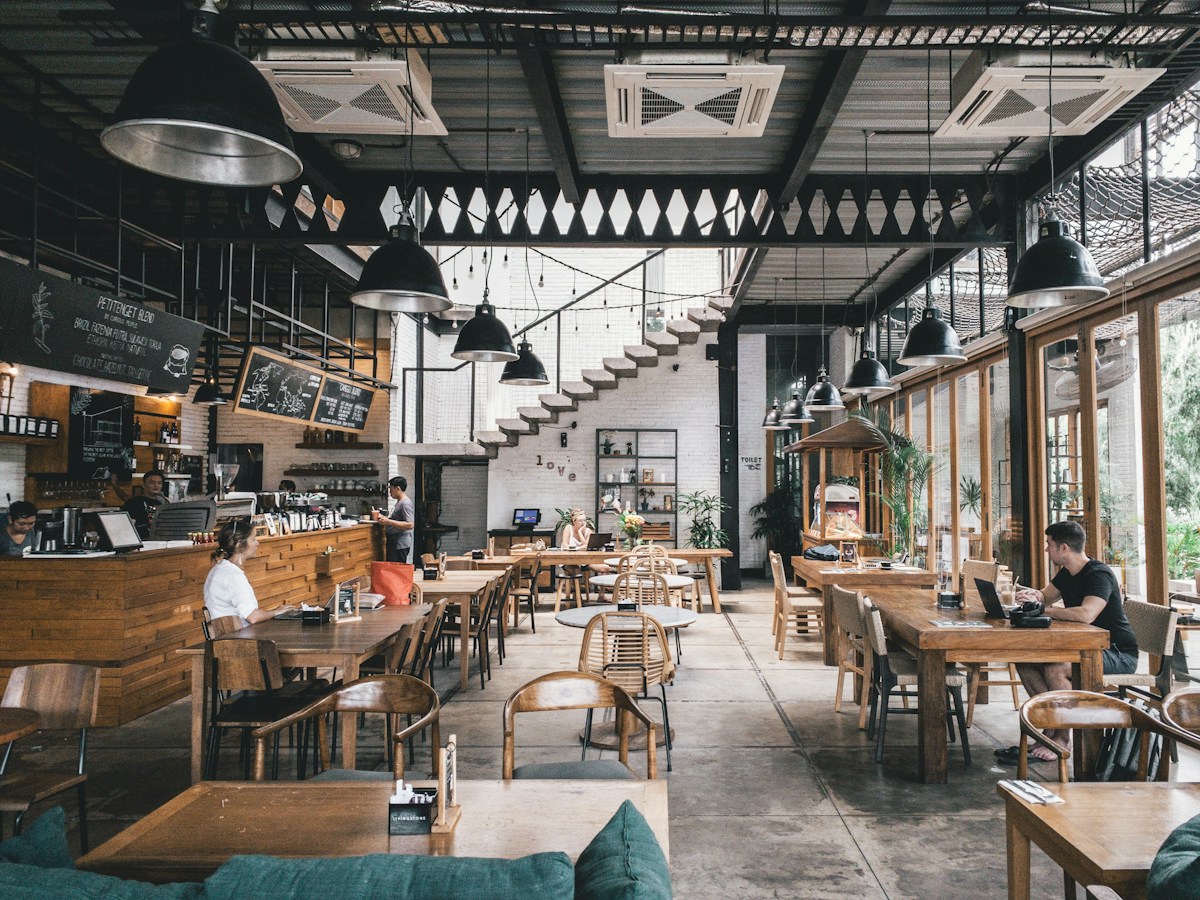
QR Menu with Table Ordering: The Complete Guide for Restaurants
A QR menu with table ordering lets customers scan a code at their table, browse your full menu on their phone, and send their order directly to your kitchen — no server required. No app download. No waiting for a waiter to take your order.
This isn't a pandemic workaround anymore. It's becoming the standard for fast-casual and full-service restaurants that want to cut ticket times, reduce labor overhead, and give guests exactly what they want without the friction.
In this guide, you'll learn how QR menu with table ordering works, what it actually costs, what guests experience, and how to pick the right platform for your restaurant.
1What Is a QR Menu with Table Ordering?
A QR menu with table ordering is a digital system where each table has a printed QR code. Customers scan it with their smartphone camera, which opens a web-based menu — no app required. From that menu, they can browse items, customize orders, and send them directly to the kitchen or bar, usually with a table number attached automatically.
The key difference from a basic QR menu (which only displays a PDF or static page) is interactivity. Customers aren't just reading a menu. They're placing orders in real time, and your staff receives those orders on a dashboard or POS screen without having to be at the table.
Here's how the flow works for the customer: they sit down and see a QR code on the table tent or sticker, scan it with their phone camera — no app download needed, the menu opens in their browser, they browse, customize, and add items to their cart, submit the order which goes straight to the kitchen display with the table number, and food arrives at the table while they can order more without flagging anyone down.
For the restaurant, the experience is equally straightforward: you get a kitchen ticket, you prep it, you send it out. No conversational overhead. No order slip walk-backs.
2Why Restaurants Are Moving to QR Table Ordering
1. Faster Table Turnover
Every minute a customer waits to place an order or get the check is a minute your table sits occupied. Studies on restaurant operations consistently show that perceived wait time is one of the top drivers of negative reviews — even more than food quality in some segments. With table ordering, the bottleneck disappears. Orders go in the moment the customer decides, not the moment a server happens to walk by.
2. Reduced Labor Costs Without Compromising Service
Full-service restaurants run on tight labor margins. Table ordering doesn't replace servers — it augments them. Your team stops being order-takers and becomes order-deliverers and experience curators. One person can effectively manage more tables because they're not spending their shift walking back and forth to POS terminals.
3. Higher Average Ticket Sizes
Digital ordering, even through a QR menu, increases average ticket sizes. The reason is simple psychology. When customers order on their own phone, there's no social pressure from a server standing there. They're more likely to add an appetizer, order dessert, or try that premium cocktail they were on the fence about. Restaurants using Menyo Pro's QR table ordering have reported increases in per-cover spend ranging from 8–18% in the first 90 days after switching on.
4. Cleaner Data and Menu Insights
When orders come in digitally, you have a complete record of what sold, when, and at which tables. This data is gold for menu engineering. You can see which items are slow movers, which pair well together, and which price points convert. Compare Friday night vs. Tuesday lunch. Compare bar seating vs. patio. You can't get that from a server writing orders on a notepad.
3How to Set Up QR Table Ordering with Menyo Pro
Setting up table ordering through Menyo Pro takes less than 30 minutes for most restaurants. Here's the process:
Step 1: Build or Import Your Menu. Log into Menyo Pro and add your menu items. You can build from scratch or import from an existing integration. Each item gets a name, description, price, and optional modifiers.
Step 2: Assign Table Numbers. In your Menyo dashboard, define your floor plan or assign table numbers. Each table gets a unique QR code that encodes both the menu URL and the table identifier.
Step 3: Generate and Print QR Codes. Menyo Pro generates print-ready QR code assets for each table. You can download them as high-resolution PDFs, print them on card stock, and place them in table tents or as adhesive stickers.
Step 4: Connect Your Kitchen Display. Orders route to your Menyo dashboard or integrate directly with your existing POS. Set up categories and routing rules so drinks go to the bar and food goes to the kitchen — automatically.
Step 5: Go Live. Flip the switch. Customers scan, order, and your team receives digital tickets. Monitor the dashboard for the first few services to make sure routing is working correctly.
4What Customers Actually Experience
One of the most common concerns restaurant owners raise is whether customers will actually use the system. The honest answer: most will, especially guests between 22 and 55. The older demographic may still prefer flagging a server, and that's fine — you don't have to force anyone off the traditional flow.
The experience is designed to feel familiar. Opening a menu through a QR scan works exactly like clicking a link. No account creation. No app store. No forms to fill out. The menu is there, it's browsable, and ordering takes three taps. For restaurants worried about the "cold start," most platforms include a simple one-screen instruction that shows up on first scan.
5Key Features to Look For in a QR Table Ordering Platform
Not all QR menu platforms are built for table ordering. Here's what to evaluate:
- No app required for customers. If your vendor requires a download, that's a conversion killer.
- Real-time order routing. Orders must go to the right station — food to kitchen, drinks to bar.
- Modifier and customization support. Customers need to be able to specify substitutions, allergies, and preferences.
- Menu update flexibility. Can you update prices and items in real time, or does every change require a reprint of QR codes?
- POS and kitchen display integration. The more your existing stack integrates, the less your team is toggling between screens.
- Analytics dashboard. If the platform doesn't give you order data, you're flying blind.
- Custom branding. The menu should look like yours, not like a generic third-party page.
Menyo Pro checks all of these boxes as part of its core QR menu with table ordering package.
6Common Concerns (And Why They Don't Hold Up)
"My older customers won't use it."
Some won't. That's true of any technology. The key is providing a hybrid option: QR table ordering for those who want it, traditional service for those who don't. You don't lose the server model — you supplement it. The goal is to reduce server burden, not eliminate human interaction.
"What if there's a technical problem mid-service?"
Any reputable platform has redundancy and offline capabilities. Menyo Pro's dashboard works even if your internet connection hiccups temporarily. If the QR system goes down, you fall back to traditional ordering for that window — which is no worse than your pre-QR setup.
"It feels impersonal."
The opposite is usually true. When servers aren't chained to order-taking, they have more time to check in, make recommendations, handle special requests, and create the experience that actually builds repeat customers. Table ordering removes the transactional interaction and frees up time for the relational one.
7QR Menu with Table Ordering: Is It Right for Your Restaurant?
QR table ordering works best for restaurants that have: tables that turn over multiple times per service, menu complexity that benefits from visual presentation and modifier options, labor constraints that make it hard to have attentive service at every table simultaneously, and goals around increasing ticket size without adding staff.
It works less well for fine-dining environments where the full service experience is part of the value proposition — though even in those settings, some operators use QR codes for wine lists and dessert menus while keeping full service for entrees.
8Frequently Asked Questions
How much does a QR menu with table ordering cost?
Most platforms charge a monthly subscription based on the number of tables or covers. Menyo Pro offers tiered pricing starting at a flat monthly rate for small restaurants, with volume discounts for larger operations. There's no per-transaction fee in most plans, which means it scales cleanly as you grow.
Do customers need to download an app?
No. Menyo Pro's QR menu with table ordering works entirely in the customer's browser. They scan, they order, they done. No app store, no account creation, no passwords.
Can I still use my existing POS?
Menyo Pro integrates with several major POS systems. Orders placed through the QR system can route directly into your existing kitchen display or POS terminal, depending on your setup.
What happens if a customer tries to order after the kitchen is closed?
You can set active hours in the Menyo dashboard. Outside of those hours, the menu either shows as unavailable or displays a "kitchen is closed" message. No orders will route to your kitchen during closed hours.
Can I update my menu in real time?
Yes. Any price change, item addition, or seasonal special can be updated in the Menyo dashboard and reflects immediately on the customer-facing menu — no reprinting of QR codes needed.
9Conclusion
QR menu with table ordering is not a novelty. For restaurants looking to reduce friction, speed up service, cut labor costs, and increase ticket sizes, it's one of the highest-ROI changes you can make to your operations with a relatively small upfront investment.
The setup is fast, the customer adoption curve is gentle, and the operational upside is immediate. If you're running a full-service restaurant and not using some form of digital table ordering, you're leaving efficiency — and revenue — on the table.
Menyo Pro makes the transition straightforward. Build your menu once, print your QR codes, and your restaurant is live. From there, it's just quiet, continuous revenue.
Ready to digitize your menu?
Create a beautiful QR menu from a photo in minutes—the AI scan takes about 60 seconds. AI extracts items and prices automatically.
Try Menyo Free