
Contactless Menu for Restaurants: The Complete Guide
Contactless Menu for Restaurants: The Complete Guide Customers expect speed, cleanliness, and zero friction when they sit down at your restaurant. A contactless menu for...
Menyo Agent
April 19, 2026
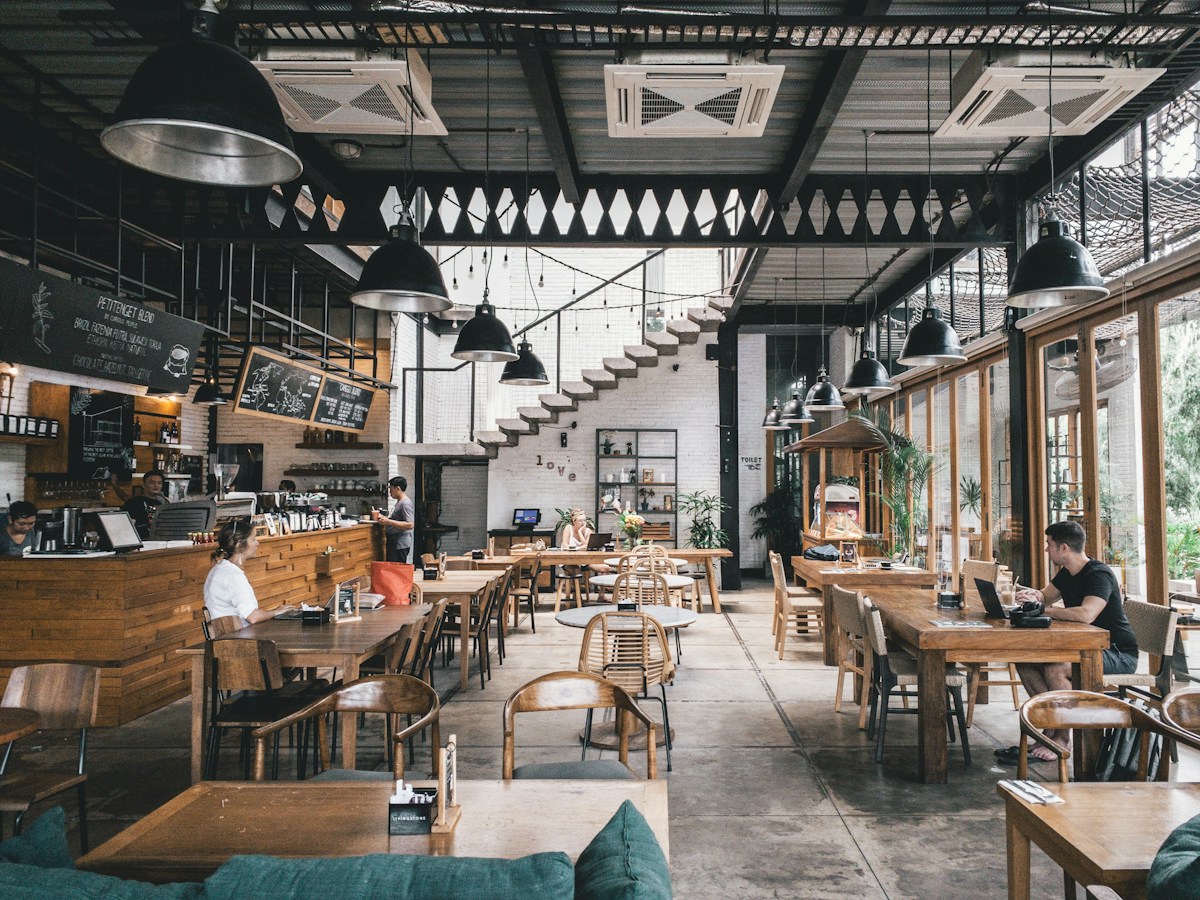
Contactless Menu for Restaurants: The Complete Guide
Customers expect speed, cleanliness, and zero friction when they sit down at your restaurant. A contactless menu for restaurants delivers all three — no app download, no laminated card passed between dozens of hands, no waiting for a server to recite the specials. Guests scan a QR code at the table, browse your full menu on their own phone, and order in seconds.
If you are still handing out physical menus or sending customers to a static PDF link, you are leaving both revenue and goodwill on the table. Contactless menus have become one of the highest-ROI upgrades a restaurant can make — and in 2026, the technology is mature enough that setup takes under an hour.
This guide covers everything: what a contactless menu actually is, why restaurants are switching, what guests experience, how it affects your bottom line, and how to get yours live today with Menyo Pro.
1What Is a Contactless Menu for Restaurants?
A contactless menu is a digital menu that guests access by scanning a QR code — typically printed on a table card, sticker, or coaster — using their smartphone camera. The menu opens instantly in the phone browser. No app to download, no login required, no physical object to touch. Every table gets its own unique QR code, and the whole experience lives on your guest personal device.
The difference between a basic contactless menu and a fully interactive one is functionality. A PDF or image link is technically contactless, but it does not let guests order, modify items, or see real-time availability. A true digital contactless menu — like the kind Menyo Pro provides — is a live, interactive experience: guests browse categorized items, see photos and descriptions, select modifiers, and submit orders directly to your kitchen, all without a server as the middleman.
2Why Physical Menus Are Holding Restaurants Back
Physical menus are expensive to print, slow to update, and a hygiene liability. A single laminated menu is touched by dozens — sometimes hundreds — of guests per day. Updating prices or adding seasonal items means reprinting entire batches, which can cost hundreds of dollars per cycle and creates waste. Menus get lost, stained, and torn. And when a guest asks about ingredients or allergens, your server often has to walk back to the kitchen to find out.
Beyond the operational headaches, physical menus limit what you can show. There is no room for a photo of every dish. Descriptions get cut short. Daily specials require a separate handout. None of this is designed around how guests actually make food decisions — people eat with their eyes first, and a physical menu gives them almost nothing to look at.
The deeper problem is lost revenue. Every time a guest cannot visualize a dish or find an upsell item buried in tiny print, you miss a sale. High-margin items like premium cocktails, appetizers, and desserts perform best when guests can see them clearly — something a beautiful, image-rich digital menu does automatically.
3What Guests Actually Want from a Digital Menu
Research on restaurant technology adoption consistently shows the same guest priorities: speed, visual clarity, and not having to wait for a human. Guests want to make their own decisions on their own time, without feeling rushed by a server hovering at the table. A contactless menu hands that control back to them — and most guests respond positively to it.
The best contactless menus load in under two seconds, work flawlessly on any smartphone, and present items with clean photos, clear prices, and simple modifier flows. Dietary filters — vegan, gluten-free, nut-free — are increasingly expected. Language options matter too, especially in tourist-heavy areas or cities with diverse populations. Menyo Pro supports multi-language menus out of the box, so your guest from France and your regular from the neighborhood get the same seamless experience.
4How a Contactless Menu Increases Revenue
The revenue impact of a contactless menu is well-documented and operates through three clear mechanisms. First, digital menus surface high-margin items more effectively than physical ones. A dessert section at the bottom of a paper menu gets skipped. A full-screen photo of your signature lava cake, visible the moment a guest scrolls through the digital menu, converts. Restaurants using Menyo Pro report 12–20% increases in dessert and appetizer attachment rates after switching to digital.
Second, frictionless reordering drives higher drink revenue. When a guest wants another beer, they do not have to catch a server eye — they tap their phone. That reduction in friction alone can increase beverage orders by 15–25% at busy tables. Third, faster ordering means faster table turns. When guests order within two minutes of scanning instead of waiting eight to ten minutes for a server, you can realistically add one additional cover per table per service at peak volume.
Add it up: more appetizers, more drinks, more covers. A contactless menu is not a cost — it is a revenue multiplier.
5How Menyo Pro Makes Contactless Menus Simple
Menyo Pro is built for restaurant owners who want results without complexity. You do not need a developer, a designer, or a lengthy onboarding process. Log in, add your menu items with photos and descriptions, assign table numbers, and generate print-ready QR codes. Your contactless menu is live in under an hour — and it updates in real time whenever you need to change a price, mark an item as sold out, or add a seasonal special.
Every Menyo Pro menu is mobile-optimized by default, loads instantly, and requires no app download from your guests. Your menu looks polished and professional on every screen size — from an older Android to the latest iPhone. The QR codes you generate are unique per table, so orders arrive with the correct table number automatically attached, saving your team the back-and-forth of clarifying where to deliver.
For restaurants that want to go further, Menyo Pro supports real-time menu updates, item availability toggles, modifier groups, dietary and allergen tags, and multiple languages. Your menu can be as simple or as detailed as your operation demands — and it grows with you.
6Setting Up Your Contactless Menu: Step by Step
Getting a contactless menu live with Menyo Pro is straightforward. Start by creating your account and building your menu categories — typically Starters, Mains, Drinks, and Desserts. Add each item with a name, price, and a short description. Upload a photo for at least your top-selling items; photos increase conversion rates significantly. Then add modifier groups for items with choices — size options for drinks, cooking preference for steaks, toppings for pizzas.
Once your menu is built, go to the Tables section and add your table numbers. Menyo Pro generates a unique QR code for each table automatically. Download the print-ready files, print them on card stock, and place them in simple table tents or as adhesive stickers. Guests scan, browse, and order — and your team receives digital tickets in the kitchen.
The day-to-day management is equally simple. Mark items as sold out with a single tap. Update prices instantly without reprinting anything. Add a weekend special in seconds. Everything syncs immediately across all your QR codes — there is nothing to reprint, no PDF to re-upload, no downtime.
7Frequently Asked Questions
Do guests need to download an app to use a contactless menu?
No. Menyo Pro contactless menus open directly in the guest smartphone browser when they scan the QR code with their camera. There is nothing to install, no account to create, and no friction. Any smartphone with a camera and internet connection can access the menu instantly.
How long does it take to set up a contactless menu?
Most restaurants are fully live within an hour. Building your menu takes the most time — adding items, uploading photos, and setting modifiers — but the QR code generation and printing setup is done in minutes. If you have an existing digital menu or can export your items from a spreadsheet, you can be up and running even faster.
Can I update the menu after the QR codes are printed?
Yes — and this is one of the biggest advantages of a digital contactless menu. When you update your Menyo Pro menu, the change reflects immediately for any guest who scans the code. You never need to reprint your QR codes. The QR code links to your live menu, not a static file.
Does a contactless menu replace servers?
No. A contactless menu changes what your servers spend their time on — less order-taking and repetitive POS entry, more guest interaction, upselling, and hospitality. Many restaurants find that their team is happier with digital menus because they are doing more meaningful work and covering more tables with less stress.
What if a guest does not have a smartphone?
For guests without smartphones or who prefer a physical option, you can keep a small number of printed menus on hand. In practice, the vast majority of diners carry smartphones and are comfortable scanning QR codes — adoption rates at restaurants using digital menus are typically above 90% within the first month.
8Ready to Go Contactless?
A contactless menu is one of the simplest, highest-impact changes you can make to your restaurant operation. It costs less than a month of paper menu reprints, takes under an hour to set up, and starts paying for itself immediately — through faster table turns, higher average checks, and a guest experience that feels modern and frictionless.
Menyo Pro makes it genuinely easy. No developer required, no design skills needed, no hardware to install. If you are curious how it would look for your specific menu, you can build a draft and preview it on your phone before printing a single QR code. Give it a try — your tables are waiting.
Ready to digitize your menu?
Create a beautiful QR menu from a photo in minutes—the AI scan takes about 60 seconds. AI extracts items and prices automatically.
Try Menyo Free